
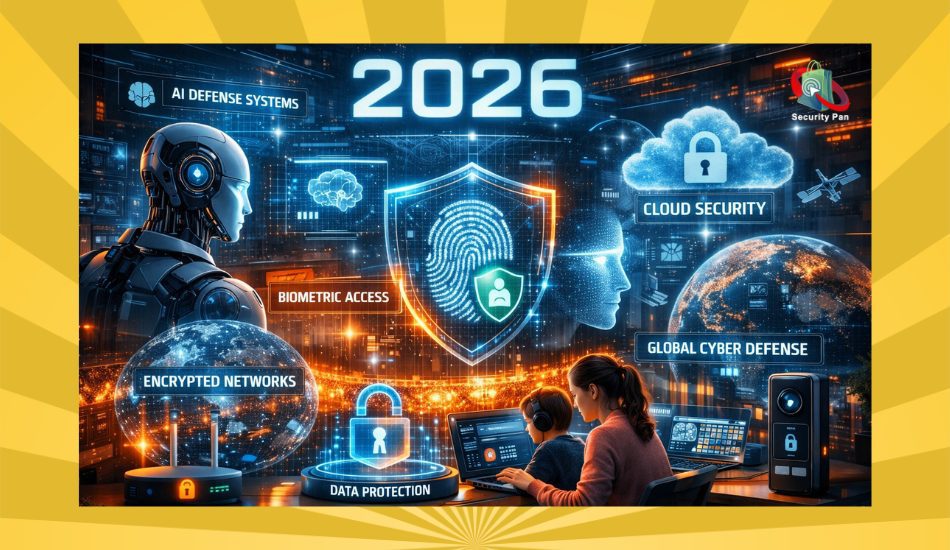
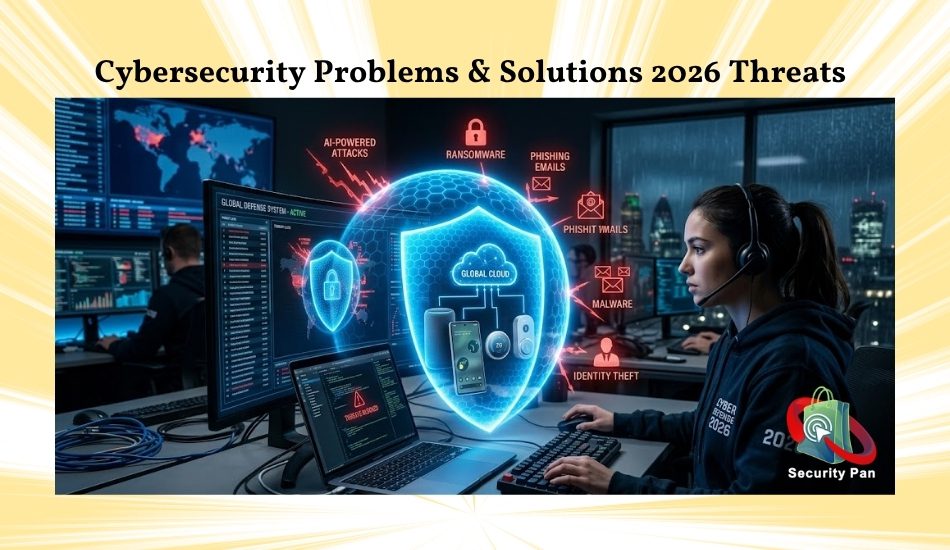
Cybersecurity Problems and Solutions 2026 are now a daily concern for anyone using a smartphone, laptop, bank app, or social media account.
Cybercriminals are using AI-powered phishing attacks, ransomware, malware, deepfake scams, and identity theft methods to target both businesses and everyday users.
One wrong click on a fake email or unsafe website can expose your passwords, banking details, private photos, and cloud storage accounts within seconds.
Many people feel overwhelmed because cybersecurity threats in 2026 are becoming smarter, faster, and harder to detect.
Hackers no longer attack only large companies. They now target remote workers, students, online shoppers, gamers, and even smart home devices connected to Wi-Fi networks.
The good news is that you can still protect yourself with the right cybersecurity solutions.
Simple steps such as using multi-factor authentication, password managers, endpoint security tools, VPN services, secure backups, and phishing-attack prevention strategies can greatly reduce your risk.
In this guide, you will learn the biggest cybersecurity dangers in 2026, how these attacks work, and the best ways to stay safe online before hackers can exploit your data.
Why Cybersecurity Threats Are Worse in 2026? It Has Never Mattered More
Every 39 seconds, a cyberattack hits someone online. In 2026, the number continues to climb.
If you live in New York, Texas, London, or Lagos, the threats are real, they are getting smarter, and most users are completely unprepared for what is coming their way.
Ransomware, phishing scams, identity theft, deepfake fraud, and credential theft have shifted from corporate boardroom problems to your personal inbox, phone, and home network.
Before diving into individual threats, it helps to understand the scale of what’s happening.
- 91% of successful data breaches started with a phishing email
- Ransomware damage costs are projected to hit $250 billion globally by 2031
- The average cost of a single data breach in 2025 crossed $4 million
- Over 305,000 vulnerabilities are now recorded in the CVE database
- AI-generated phishing emails are achieving a 54% click-through rate compared to just 12% for traditional phishing.
Most Dangerous Cybersecurity Problems in 2026
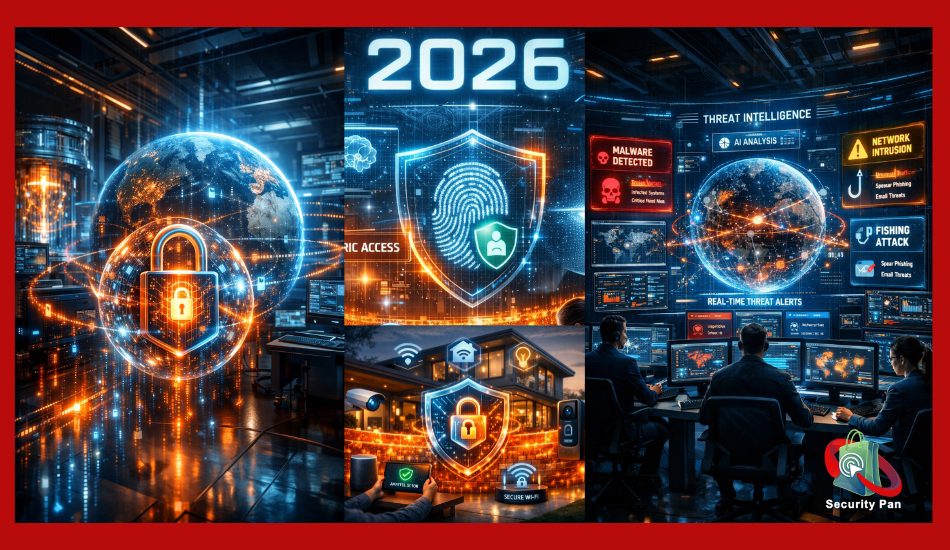
Digital cybersecurity threats are not slowing down. It is accelerating. And the attackers are using better tools than ever before.
This guide breaks down the biggest cybersecurity problems users are facing right now with real, actionable solutions you can use today. No jargon. No fluff. Just what works.
Problem 1 Phishing Attacks: Still the #1 Entry Point
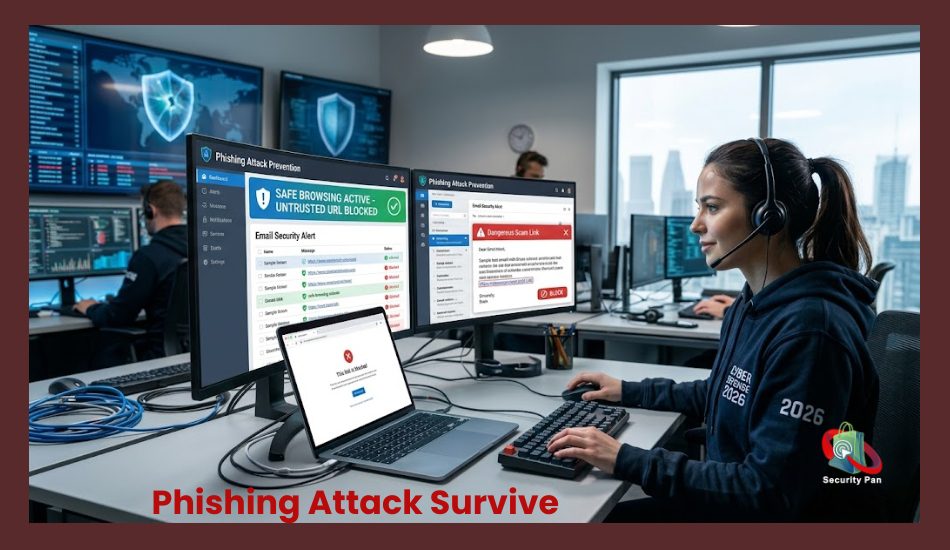
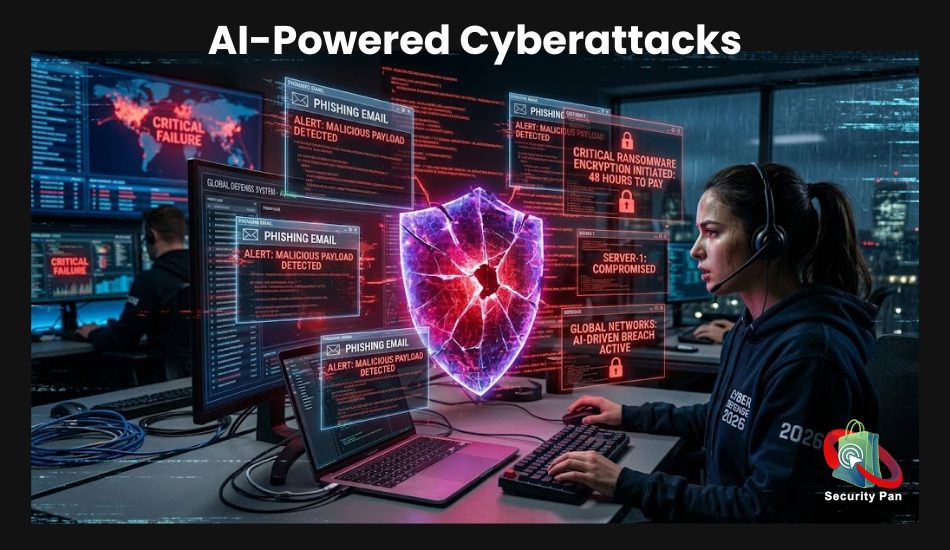
What’s Happening? Phishing is the oldest trick in the book and still the most effective one. In 2026, phishing has evolved far beyond poorly worded emails with suspicious links. Attackers now use AI to craft messages that mimic the exact tone, branding, and writing style of real companies and people in your contact list.
AI-powered phishing campaigns are 4.5 times more effective than traditional phishing, with hyper-personalized messages based on data scraped from social media, public records, and past breaches. You might receive what looks like an authorized message from your bank, your boss, or even your health insurance provider.
Voice phishing (vishing) and SMS phishing (smishing) are equally dangerous and harder for many users to detect.
Who Is Being Targeted? Everyone. But small business owners, employees of local government offices, healthcare workers, seniors, and people who shop frequently online are among the most targeted groups in the United States and globally.
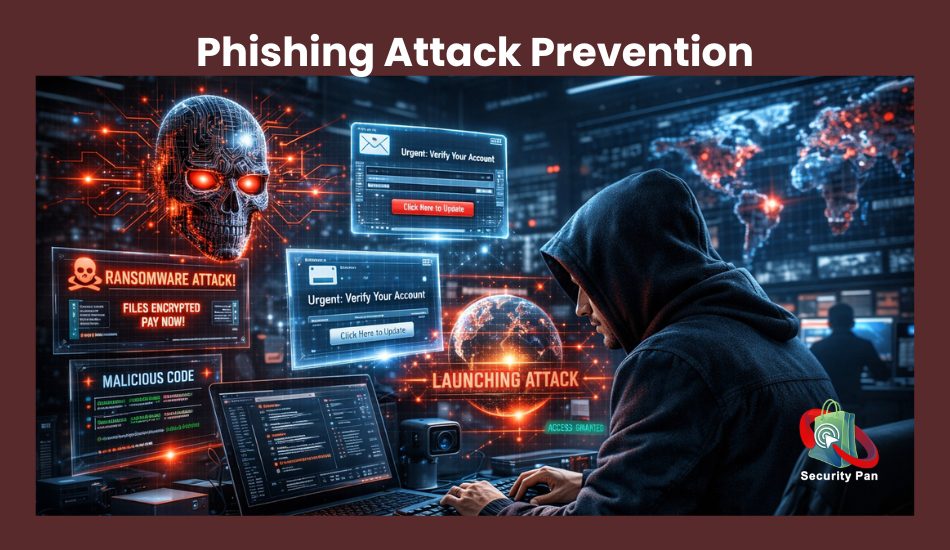
Solution: How to Protect Yourself from Phishing?
Slow down before you click. Urgency is the attacker’s best weapon. A message that says “your account will be suspended in 24 hours” is designed to override your judgment.
Practical steps that work:
- Hover over every link before clicking, for the real URL appears at the bottom of your browser. If it doesn’t match the sender’s domain, it’s fake.
- Never enter credentials from a link in an email. Always open your browser and type the website address directly.
- Enable multi-factor authentication (MFA) on all important accounts, email, banking, and social media. Even if your password leaks, attackers can’t get in without the second step.
- Use a password manager that auto-fills only on verified domains. It won’t fill in your credentials on a fake copycat site.
- Report suspicious emails to your IT department or use tools like the “Report Phishing” button in Gmail and Outlook.
Problem 2: Ransomware When Attackers Hold Your Files Hostage
What’s Happening if Ransomware is not just a business problem anymore? In 2026, individuals, small medical practices, school districts, and municipal governments across the United States are all targets. Attackers encrypt your files and demand payment, often in cryptocurrency, before giving you access back.
Ransomware activity surged to record levels in the final quarter of 2025 and has continued rising into 2026. A new attack now happens approximately every two seconds globally. And attackers are getting bolder: they’re now targeting data backups specifically to eliminate your recovery options before demanding payment.
Solution: How to Protect Against Ransomware?
Ransomware almost always enters through three doors: phishing emails, unpatched software, and weak remote desktop configurations. Closing those doors is your priority.
Actionable steps:
- Keep automatic updates on for your operating system, browsers, and all software. Unpatched vulnerabilities are the most common way ransomware gets in.
- Follow the 3-2-1 backup rule: Keep 3 copies of your important files, on 2 different types of storage, with 1 copy completely offline (external hard drive not connected to the internet). Attackers cannot encrypt what they cannot reach.
- Test your backups regularly. A backup you’ve never tested is a backup you can’t trust.
- Use Endpoint Detection and Response (EDR) software rather than traditional antivirus. Products like Malwarebytes Premium, Bitdefender, or CrowdStrike Falcon for small businesses detect ransomware behavior before it can execute fully.
- Disable Remote Desktop Protocol (RDP) if you don’t actively need it. This is a prime entry point for attackers.
If ransomware hits you despite all precautions, do not pay the ransom. Contact the FBI’s Internet Crime Complaint Center (IC3) and check NoMoreRansom.org, a free resource that provides decryption keys for hundreds of ransomware strains.
Problem 3: Identity Theft and Credential Theft
What’s Happening: Identity theft has become one of the fastest-growing crimes worldwide, and in 2026, it’s more sophisticated than ever. Attackers don’t just steal your password; they steal your full digital identity. This includes your Social Security number, date of birth, banking credentials, session cookies, and even your browsing history.
A specific category called infostealers is a type of silent malware that runs in the background, extracts passwords, saves payment card information, and browser session data without triggering any visible alerts. Stolen credentials are then sold on dark web marketplaces and used in account takeover attacks, fraudulent loan applications, and tax fraud.
MFA fatigue attacks are also rising, where attackers who already have your password bombard you with authentication requests until you approve one just to make the notifications stop.
Solution: Locking Down Your Identity
- Freeze your credit with all three major bureaus: Equifax, Experian, and TransUnion. A credit freeze is free and prevents anyone from opening new accounts in your name, even if they have your personal information. Unfreeze it only when you’re actively applying for credit.
- Use unique, strong passwords for every account: The single biggest mistake users make is reusing the same password across multiple sites. When one site gets breached, attackers try those credentials everywhere.
- Enable a hardware security key or passkey wherever possible. FIDO2 passkeys are phishing-resistant by design; they simply won’t work on a fake website, even if you don’t notice you’re on one.
- Monitor the dark web for your credentials using services like Have I Been Pwned, free or paid monitoring through your identity protection service.
- Check your credit report weekly, not just annually. Free weekly credit reports are available from all three bureaus at AnnualCreditReport.com.
For MFA (Multi-Factor Authentication) fatigue specifically: never approve an authentication request you didn’t initiate. If you get one out of nowhere, it means someone already has your password. Change it immediately.
Problem 4: AI-Powered Deepfake Scams
What’s Happening? This is the newest and fastest-growing threat facing users in 2026. With generative AI, attackers can now create convincing video and voice impersonations of real people, including your boss, your bank representative, your family members, and public officials.
These deepfakes are being used in:
- Business Email Compromise (BEC): Fake video calls where “your CEO” instructs you to wire funds
- Grandparent scams: A fake voice call from someone who sounds exactly like your grandchild, claiming they’re in trouble and need money
- Romance scams: Long-term fake relationships built using AI-generated personas
- Election disinformation: Fake video or audio clips of candidates saying things they never said
Deepfake technology is now accessible to low-skill attackers through underground forums and crime-as-a-service platforms.
Solution: Verify Before You Trust
The fundamental defense against deepfakes is establishing verification rituals with people you regularly communicate with.
- Create a verbal safe word with your family, a word or phrase that only real family members know. Anyone calling about an emergency who can’t provide it should be met with skepticism.
- Call back on a number you already know. If you receive an unexpected video or voice call requesting money or action, hang up and call back on the official number you have saved, not one they provide.
- Look for physical tells in video calls: unnatural blinking, audio sync issues, blurring around the edges of the face or hair. Deepfake technology is improving, but it still has tells.
- Slow down. Deepfake scams always create artificial urgency. The urgency itself is a signal.
- Use end-to-end encrypted communication with verified contacts through apps like Signal for sensitive conversations.
Problem 5: Weak Home Network and Smart Device Security
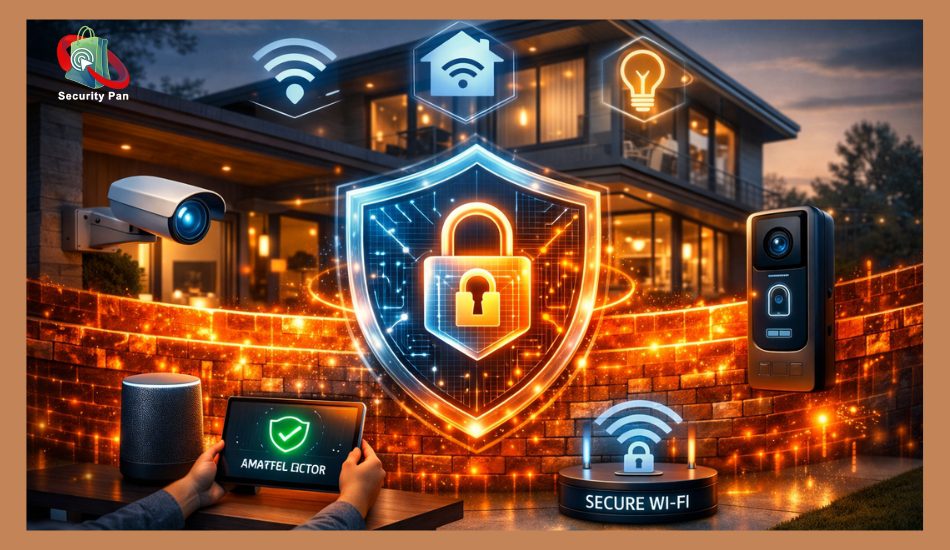
What’s Happening? Remote and hybrid work has made home networks a critical security frontier. In the United States, millions of people work from home over networks that share bandwidth with smart TVs, IoT devices, gaming consoles, and tablets with outdated firmware. Each connected device is a potential entry point.
Attackers actively scan for home routers with default passwords and misconfigured settings. Once inside your router, they can intercept your traffic, redirect you to fake websites, monitor your activity, and pivot into your work devices.
Smart home devices, such as security cameras, smart locks, and thermostats, are particularly vulnerable. Many ships have default credentials that users never change, and many manufacturers stop issuing firmware updates after a couple of years.

Solution: Hardening Your Home Network
- Change your router’s default admin username and password immediately after setup. Routers ship with credentials that are publicly documented attackers know them.
- Enable WPA3 encryption on your Wi-Fi if your router supports it. At a minimum, use WPA2. Never use WEP or leave the network open.
- Create a separate guest network for smart home devices and IoT gadgets. This way, if a smart bulb gets compromised, attackers can’t pivot to your laptop or work computer on the main network.
- Update router firmware regularly. Log into your router’s admin panel (typically 192.168.1.1) and check for firmware updates every few months.
- Disable features you don’t use: Universal Plug and Play (UPnP), remote management, and WPS can all create unnecessary exposure.
- Audit connected devices periodically. Your router’s admin interface shows every device on your network. If you see something you don’t recognize, investigate it.
Problem 6: Supply Chain and Third-Party App Risks
What’s Happening? You may be doing everything right on your end and still get compromised through an app or service you trust. Supply chain attacks happen when attackers compromise a vendor, software update, or third-party tool that you use, then use that access to reach you.
Over the past five years, major supply chain and third-party breaches have quadrupled globally. These attacks are particularly dangerous because the compromised software comes from a source you already trust, so your defenses don’t flag it.
For everyday users, this often looks like a browser extension, a free app, or a plugin that seemed legitimate at install but was later found to contain malicious code.
Solution: Reducing Third-Party Risk
- Install only apps and extensions you genuinely need. Every third-party tool you add increases your attack surface. Delete what you don’t actively use.
- Download software only from official sources, official websites, the App Store, or Google Play. Avoid third-party download sites, especially for cracked or free versions of paid software.
- Review app permissions carefully. A flashlight app that wants access to your contacts and microphone should raise immediate red flags.
- Keep all software updated, not just your operating system. Outdated plugins, browsers, and apps are frequent targets.
- Use a browser with strong privacy features. As of 2026, browsers like Brave 12% market share and are growing, and Firefox offers stronger tracking and script protections than default Chrome.
Problem 7: Data Privacy and the Infostealer Threat
What’s Happening? Infostealers are a category of malware specifically designed to silently extract credentials, session cookies, autofill data, and cryptocurrency wallet information from your browser and operating system. They don’t encrypt your files or demand ransom; they just quietly steal everything and disappear.
The stolen data is then sold in bulk on cybercrime marketplaces, feeding into account takeovers, fraud, and targeted phishing campaigns. Because infostealers don’t create obvious symptoms, users often don’t know they’ve been hit until the damage is done.
Solution: Defending Against Silent Theft
- Don’t save passwords in your browser. Use a dedicated password manager (Bitwarden, 1Password, Dashlane) that offers stronger encryption and doesn’t share data with browser sync services that can be compromised.
- Log out of sensitive accounts when you’re done rather than staying permanently logged in. This limits the value of stolen session cookies.
- Run regular malware scans with dedicated tools like Malwarebytes, not just your built-in antivirus.
- Be extremely cautious about what you download. Infostealers often hide in cracked software, fake game mods, unofficial subtitle files, and tools downloaded from unreliable sources.
- Use a separate device or browser profile for high-value activities like online banking, keeping financial sessions isolated from general browsing.
A Practical Cybersecurity Checklist for 2026
Use this as your personal security audit. Work through each item and check it off.
1. Account Security
- All important accounts use unique, strong passwords
- Multi-factor authentication is enabled on email, banking, and social media
- Password manager set up and actively used
- Passkeys or hardware security key enabled where supported
2. Device Security
- Automatic updates are enabled on all devices and software
- Antivirus or EDR software is installed and running
- Device storage encrypted (BitLocker for Windows, FileVault for Mac)
- Infostealer scan completed with Malwarebytes
3. Network Security
- Router default credentials changed
- WPA3 or WPA2 Wi-Fi encryption enabled
- Guest network set up for smart home devices
- Router firmware up to date
4. Data and Backup
- 3-2-1 backup system in place
- Most recent backup tested and verified
- Credit frozen at Equifax, Experian, and TransUnion
- Dark web monitoring active (Have I Been Pwned or paid service)
5. Awareness
- Family deepfake safe word established
- Phishing red flags memorized (urgency, suspicious links, mismatched domains)
- Safe word and verification protocol shared with the household
Recommended Tools and Resources
Free Resources
- Check if your email or credentials have been exposed in a breach
- Free decryption tools for many ransomware strains
- Free weekly credit reports from all three US bureaus
- http://CISA.gov/report report cyber incidents to the US Cybersecurity and Infrastructure Security Agency
- IC3.gov FBI’s Internet Crime Complaint Center for reporting cybercrime
Recommended Security Tools
- Password Managers: Bitwarden (free), 1Password, Dashlane
- Antivirus/EDR: Malwarebytes Premium, Bitdefender Total Security, ESET
- VPN (for public Wi-Fi): Mullvad, ProtonVPN, or ExpressVPN
- Encrypted Messaging: Signal for private communications
- Browser: Brave or Firefox with the uBlock Origin extension

What Are Future Cybersecurity Trends?
Cybersecurity is changing very fast in 2026. Hackers are using smarter tools, automated attacks, and artificial intelligence to steal data and break into systems. Because of this, security experts are building stronger and faster defense systems to protect users, businesses, and online services.
Here are the biggest future cybersecurity trends you should watch closely.
1. AI Defense Systems
Artificial intelligence (AI) is becoming one of the most important cybersecurity tools in 2026. Security companies now use AI defense systems to detect unusual activity, stop malware, and block phishing attacks before they can cause damage.
AI security tools can scan huge amounts of data within seconds. They look for suspicious login attempts, fake emails, ransomware behavior, and network threats much faster than humans can. This helps businesses respond to cyberattacks in real time.
As AI-powered cyberattacks continue to grow, AI defense systems will become a major part of online security and threat detection.
2. Biometric Security
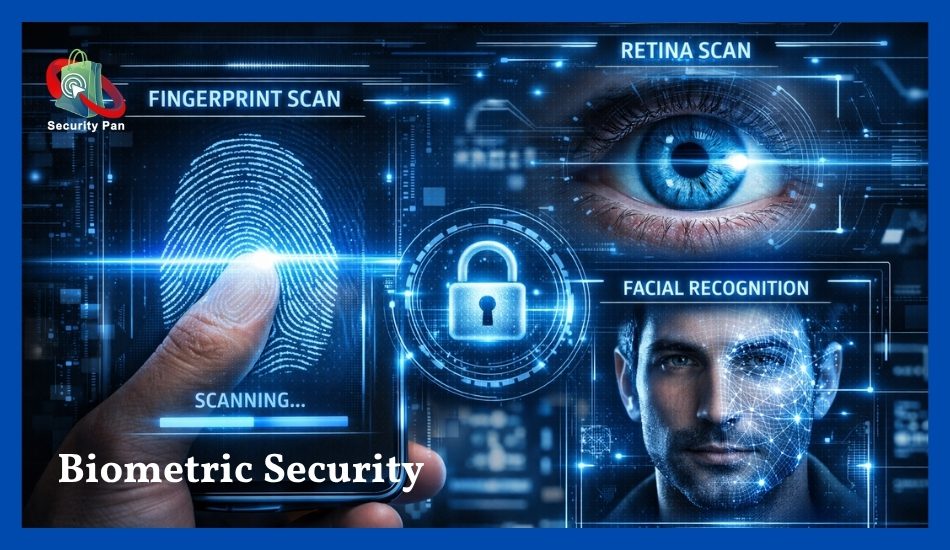
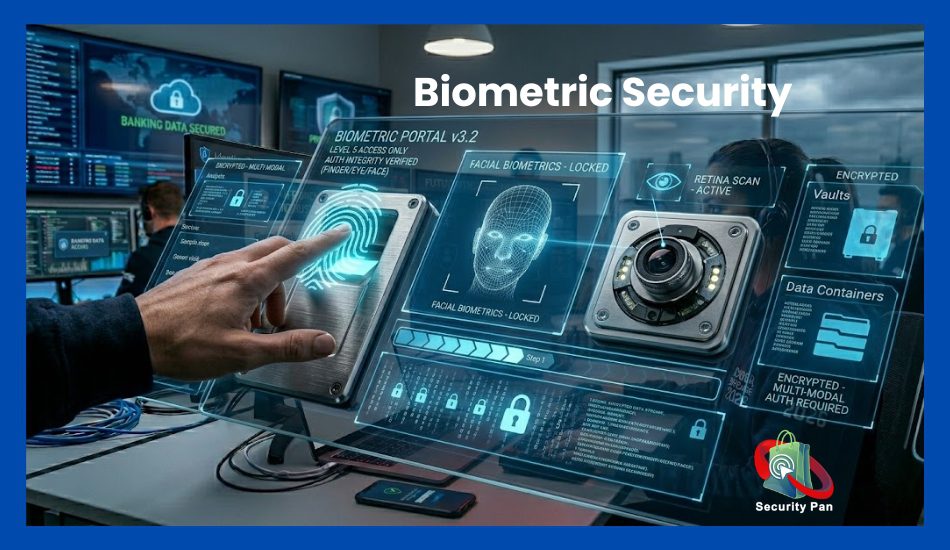
Passwords alone are no longer enough to protect sensitive accounts. That is why biometric security is becoming more common across smartphones, banking apps, workplaces, and smart devices.
Biometric authentication uses unique physical features like:
- fingerprints
- face recognition
- voice recognition
- retina scans
These security methods are harder for hackers to copy or steal. Many companies now use biometric security to reduce identity theft and unauthorized access.
In the future, more websites and apps will replace traditional passwords with biometric login systems for stronger protection.
3. Passwordless Login
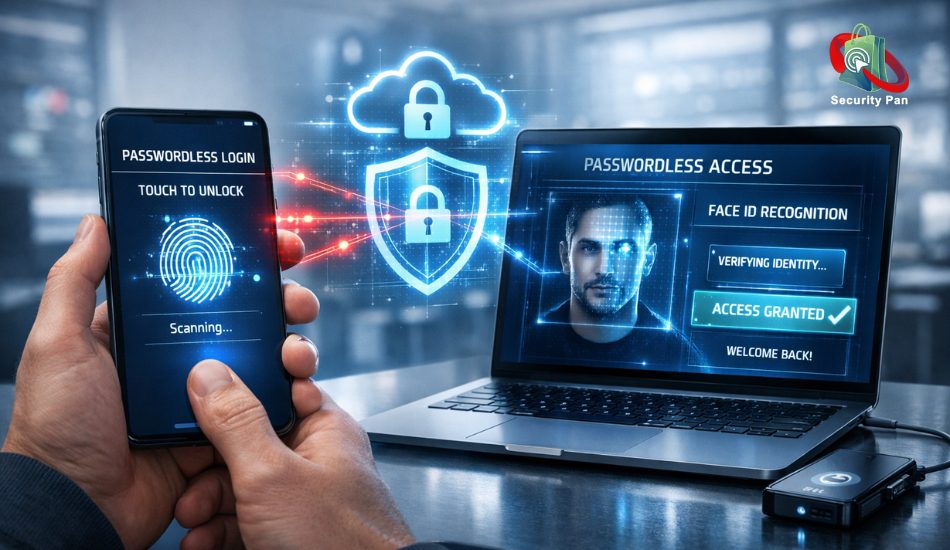
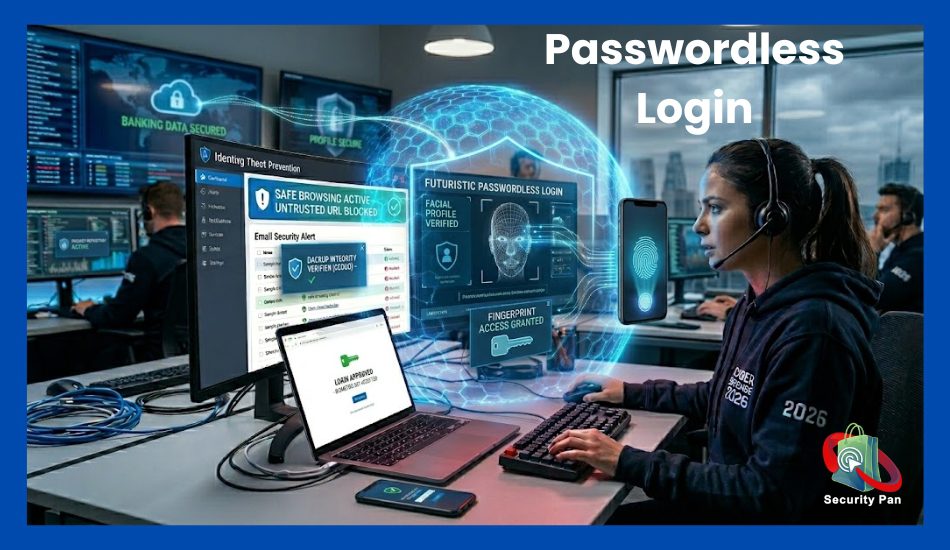
Passwordless login is quickly becoming a popular cybersecurity solution in 2026. Instead of typing passwords, users can sign in using:
- fingerprint scans
- face recognition
- authentication apps
- security keys
- one-time verification codes
This reduces the risk of password theft, phishing attacks, and credential leaks. Many users reuse weak passwords across multiple accounts, making them easy targets for hackers.
Passwordless authentication improves both security and user experience because it removes the need to remember complex passwords.
4. Quantum Security
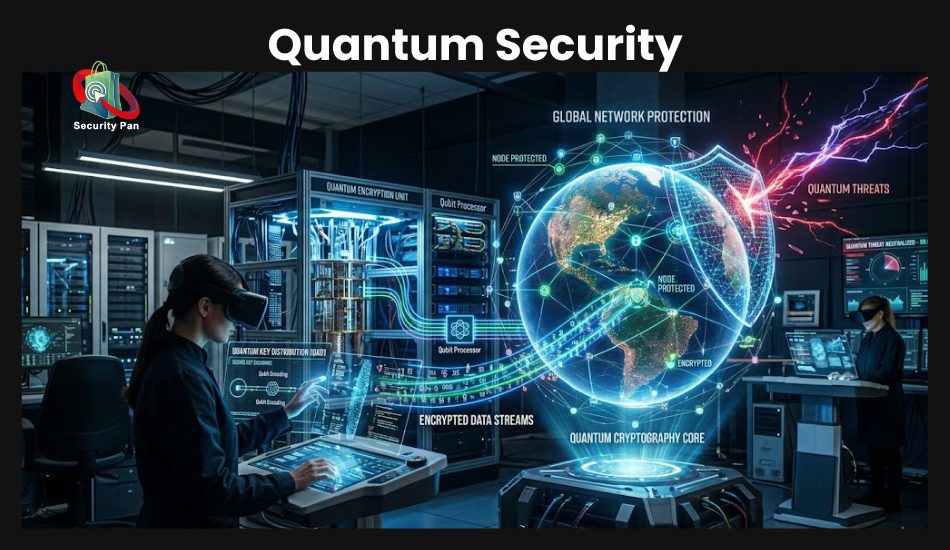
Quantum computing may become one of the biggest cybersecurity challenges in the future. Powerful quantum security could eventually break traditional encryption methods used to protect banking systems, government networks, and online communications.
To prepare for this risk, cybersecurity experts are developing quantum security and post-quantum encryption systems. These advanced encryption methods are designed to stay secure even against future quantum attacks.
Although quantum threats are still developing, many technology companies are already investing in stronger encryption technologies to protect sensitive data.
5. Threat Intelligence Automation
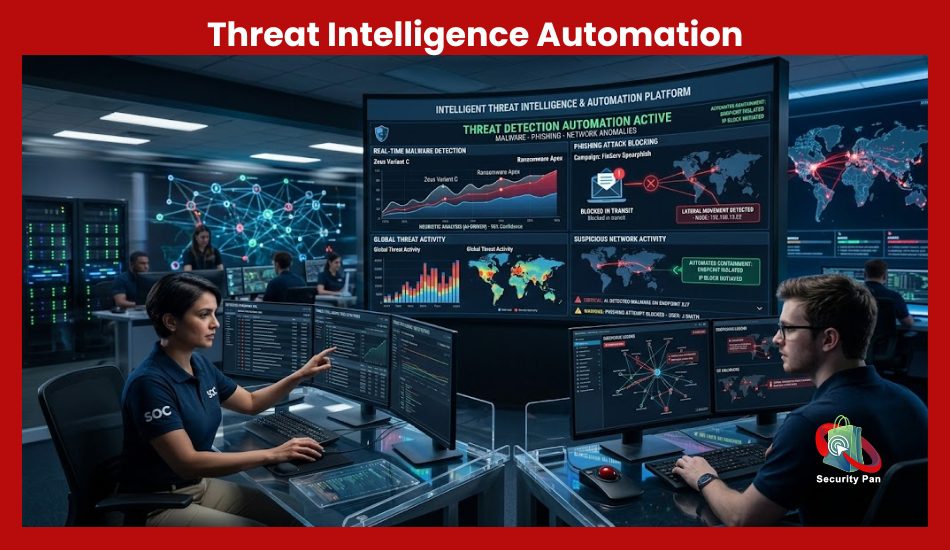
Threat intelligence automation helps security teams detect cyber threats faster and more accurately. Modern cybersecurity systems now collect data from:
- malware attacks
- phishing campaigns
- ransomware activity
- suspicious IP addresses
- dark web monitoring
Automation tools analyze this information in real time and warn security teams before attacks spread.
This trend helps businesses reduce response time, improve threat detection, and stop cybercriminals before major damage happens. In 2026, automated threat intelligence platforms are becoming a key part of modern cybersecurity defense strategies.
However, the future of cybersecurity will focus on speed, automation, and smarter protection systems. As cyber threats continue to evolve, users who understand these trends will be better prepared to protect their personal data, devices, and online accounts from future attacks.
Final Thoughts: Security Is a Habit, Not a Product
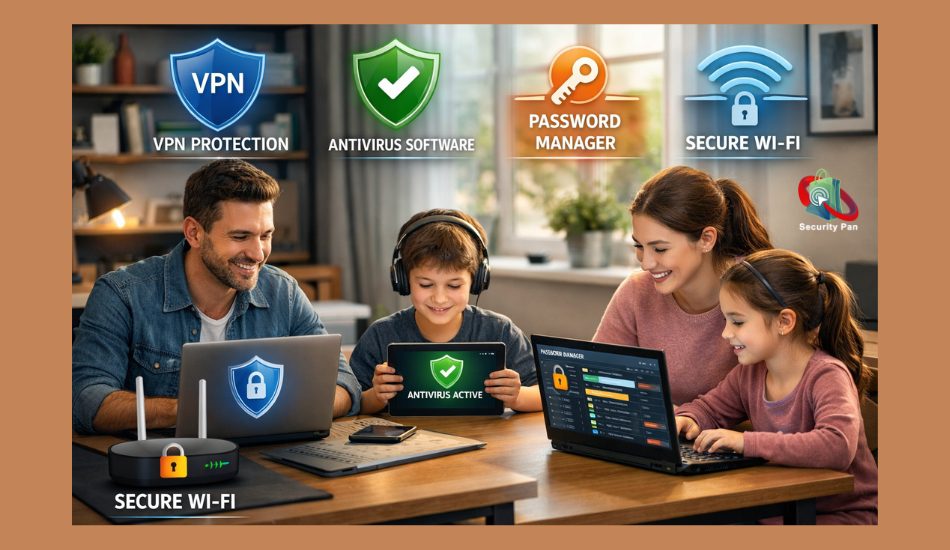
No software purchase or single setting change will make you completely secure in 2026. The users who stay protected are the ones who treat cybersecurity as an ongoing habit, not a one-time fix.
The biggest advantages attackers have are your speed, your trust, and your distraction. Slow down when something feels urgent. Verify before you act. And update before you get forced to.
The threats are sophisticated, but so are the solutions, and most of them are free, or close to it. You don’t need a corporate IT budget to protect yourself. You need consistent habits, a little skepticism, and the right tools.
Start with one section from this guide today. Add another next week. By the time you’ve worked through the full checklist, you’ll be ahead of the vast majority of users online and off.
Helpful article: Ransomware Attacks Uncovered: Strategies for Prevention and Recovery.
FAQs About Cybersecurity Problems and Solutions in 2026.
1. What are the biggest cybersecurity threats in 2026?
The biggest cybersecurity threats in 2026 include AI-powered phishing attacks, ransomware, malware, identity theft, cloud security breaches, deepfake scams, and social engineering attacks. Hackers now use automation and artificial intelligence to target people faster and more accurately than before.
2. Why are cyberattacks increasing in 2026?
Cyberattacks are growing because more people work online, store data in the cloud, use smart devices, and depend on digital payments. Cybercriminals also use AI tools to create fake emails, fake websites, and advanced malware that look real and are harder to detect.
3. How can you stay safe online in 2026?
You can stay safe online by using strong passwords, enabling multi-factor authentication, updating software regularly, avoiding suspicious links, using VPN services on public Wi-Fi, and installing trusted endpoint security software.
4. What is ransomware protection?
Ransomware protection helps stop hackers from locking your files or devices. Good protection includes secure backups, antivirus software, endpoint detection tools, software updates, and employee awareness training to prevent malicious downloads or phishing attacks.
5. What are phishing attacks?
Phishing attacks are scams where hackers trick you into giving passwords, banking details, or personal information. These attacks often come through fake emails, text messages, social media links, or cloned login pages that look real.
6. How can you prevent phishing attacks?
You can prevent phishing attacks by checking email addresses carefully, avoiding unknown links, enabling spam filters, using multi-factor authentication, and never sharing passwords through email or messages.
7. What is identity theft in cybersecurity?
Identity theft happens when cybercriminals steal your personal information, such as passwords, credit card details, national ID numbers, or banking information, to commit fraud or access your online accounts.
8. Can small businesses become targets for cyberattacks?
Yes. Small businesses are now major targets because many have weaker cybersecurity systems than large companies. Hackers often attack small businesses through phishing emails, weak passwords, outdated software, and unsecured cloud storage.
9. Why is multi-factor authentication important in 2026?
Multi-factor authentication adds an extra security step beyond your password. Even if hackers steal your login details, they still need a second verification code or device to access your account.
10. What are the best cybersecurity tools for everyday users?
Some useful cybersecurity tools include password managers, antivirus software, VPN services, endpoint security tools, encrypted cloud backups, spam filters, and identity theft monitoring services.
11. How does AI affect cybersecurity in 2026?
AI (Artificial Intelligence) helps both defenders and attackers. Cybersecurity companies use AI to detect threats faster, while hackers use AI to create smarter phishing scams, malware, and automated cyberattacks that can bypass traditional security methods.
12. What should you do after a data breach?
After a data breach, you should change passwords immediately, enable multi-factor authentication, monitor bank accounts, scan devices for malware, notify affected services, and check whether your personal information was leaked online.
13. Are public Wi-Fi networks dangerous?
Yes. Public Wi-Fi can expose your passwords and personal data if the network is unsecured. Using a VPN service helps encrypt your internet connection and reduce the risk of cyber spying.
14. What is Zero Trust Security?
Zero Trust Security is a cybersecurity model where no user or device is trusted automatically. Every login request, device, and network action must be verified before access is granted.