
Keyless Entry Systems Pros and Cons are now a big concern for many homeowners in the US. Real problems people face with keyless entry in the United States and worldwide, from relay theft happening in driveways to smart lock batteries dying at 2 AM. If you’re a homeowner in Texas, a landlord in New York, or a renter in the UK, this guide is built for you.
More importantly, it gives you actual solutions you can act on today. You may love the idea of opening your door with a phone, fingerprint, or keypad. But at the same time, you may worry about smart lock security risks, relay attacks, or keyless entry hacking.
That fear is real. In 2026, more homes use connected locks than ever before, and attackers are also getting smarter.
Many people buy a smart lock for safety and convenience. Then the problems start. The battery dies while they are outside. A weak Wi-Fi signal breaks remote access.
Some cheaper locks even fail during firmware updates. In worse cases, criminals use relay devices to copy wireless signals and unlock doors without touching the lock.
The good news is that modern security systems are improving fast. Trusted brands like Schlage, Yale, and August now use stronger encryption, biometric verification, offline keypad backup, and relay-attack prevention tools to protect homes better than older systems.
In this guide, you will learn the real pros and cons of keyless entry systems, the biggest smart lock dangers in 2026, and the best ways to keep your home safe without giving up convenience.

What Is a Keyless Entry System?
A keyless entry system lets you unlock a door, gate, or vehicle without a physical metal key. Instead of carrying keys in your pocket, you can use a keypad, smartphone, fingerprint, Bluetooth signal, or voice command to enter your home. It uses one of these methods:
- A PIN code on a keypad
- A smartphone app over Bluetooth or Wi-Fi
- A key fob that sends a radio signal
- Biometrics, such as a fingerprint or face scan
- Proximity detection (the lock senses your phone or fob and unlocks automatically)
These systems are used in homes, apartments, offices, hotels, and cars. In 2026, they’re no longer a novelty.
The market is moving fast. The global smart door lock market is valued at $4.2 billion in 2026 and is projected to reach $17.75 billion by 2034, with North America leading at roughly 43% of global market share, and Asia-Pacific residential demand.
The US alone accounts for the largest single-country revenue, which tells you how mainstream this technology has become for American homeowners and renters.
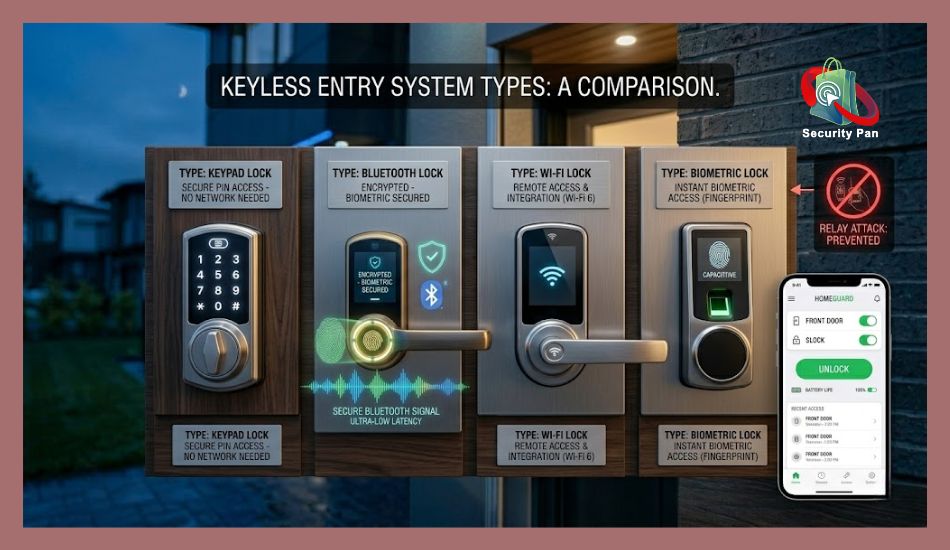
The 3 Main Types You’ll Actually Encounter
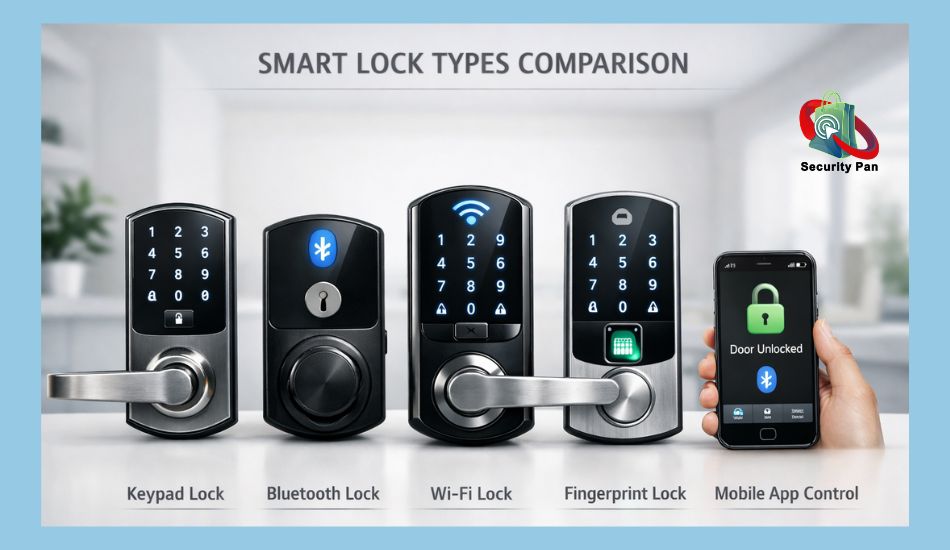
1. Keypad / PIN Code Locks
You type a code to unlock. No app, no fob, no phone needed. Keypad entry systems use a numeric code instead of a physical key. You simply enter your PIN code on the keypad to unlock the door. This option works well for families, rental properties, and Airbnb hosts because you can create temporary guest codes easily.
Many homeowners prefer keypad locks because they still work even during internet outages.
These are the most popular type, holding around 35% of the keyless market in 2026 because they’re affordable, reliable, and easy to use for everyone in the household.
2. Smart Locks: App Plus Bluetooth And Wi-Fi Devices.
These connect to your smartphone and let you lock or unlock remotely, see who came and went, and set timed access for guests. Many smart locks also send activity alerts when someone enters or leaves your home.
Brands like August, Schlage, and Yale dominate the US market. They work with Alexa, Google Home, and Apple HomeKit. Now offer advanced encryption, auto-locking, and remote access features for better home security.
Bluetooth Locks
Bluetooth smart locks connect directly to your smartphone when you are near the door. They automatically unlock when your phone enters range. This creates quick and hands-free access without needing Wi-Fi.
However, some older Bluetooth locks may face smart lock security risks if they use weak encryption. Attackers sometimes use relay attack tools to copy wireless signals between the phone and the lock.
Wi-Fi Locks
Wi-Fi locks connect to your home internet network. This allows you to lock or unlock your door remotely from anywhere using a mobile app.
Wi-Fi smart locks are useful for:
- remote monitoring
- package deliveries
- guest access
- vacation home security
The downside is that internet dependency can become a problem if your router goes offline or your smart lock firmware is outdated.
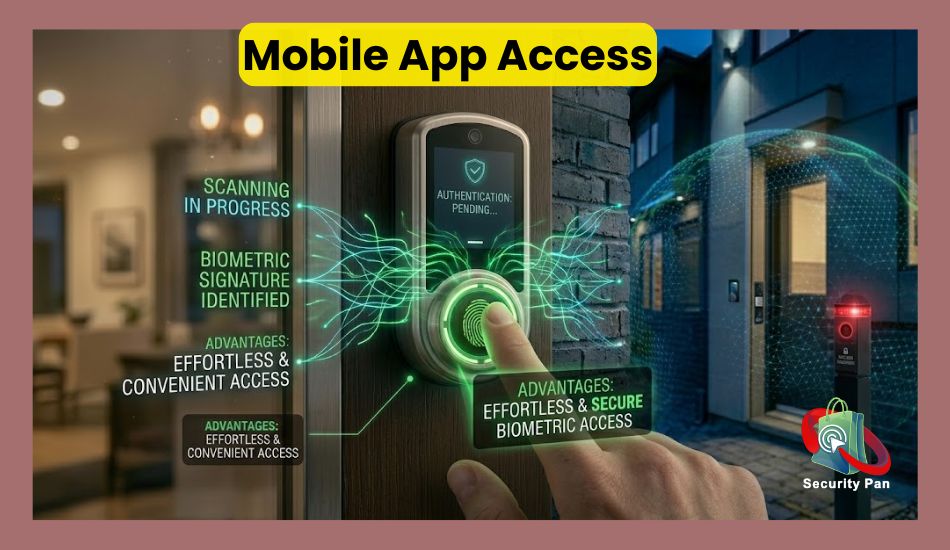
Mobile App Access
Most modern keyless entry systems come with mobile apps that let you:
- unlock doors remotely
- Check lock activity
- Create guest codes
- Receive security alerts
- Control smart home settings
Apps also help homeowners monitor their property in real time. But if the app has software bugs or weak account security, hackers may try to gain access through stolen login credentials. That is why experts recommend enabling multi-factor authentication and regular firmware updates for better protection.
3. Passive Keyless Entry (PKE / Fob-Based)
Common in vehicles and some high-end homes. The system detects your fob or phone within a few feet and unlocks automatically, no button press needed. It’s the most convenient, but also the most vulnerable to a specific type of theft (covered below).
Biometric Locks
Biometric locks use fingerprints, facial recognition, or palm scanning to verify your identity. Many newer systems now use biometric access because fingerprints are harder to steal than passwords or PIN codes.
Biometric smart locks are growing fast in 2026 because they add another layer of relay attack prevention and account security.
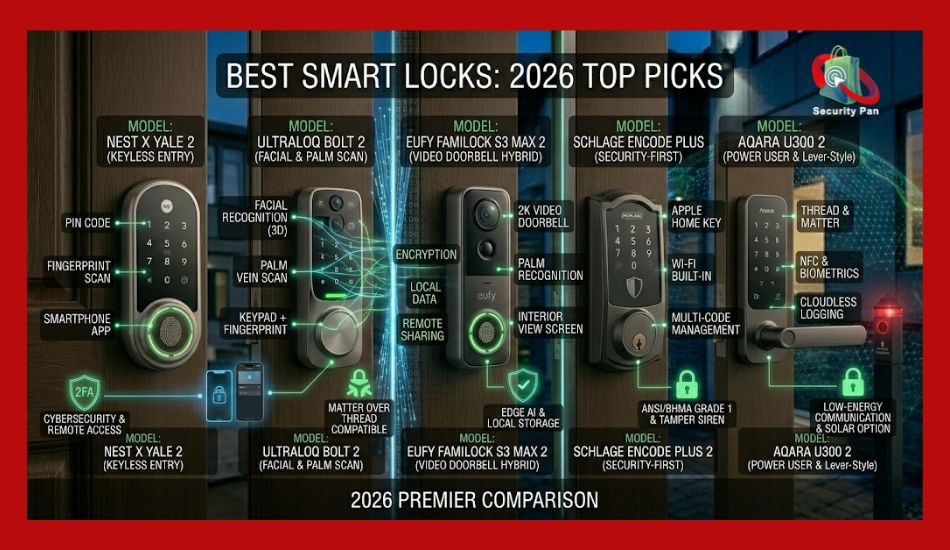
Keyless Entry Systems: Real Pros That Actually Matter
Many homeowners in the US now use smart locks because they want fast and key-free access. But the rise of connected homes also brings new smart lock security risks.
Some older Bluetooth locks can face relay attacks, where criminals copy the signal between your phone and the lock.
This type of keyless entry hacking became more common after cheap signal relay devices appeared online. You can lower this risk by choosing encrypted smart locks with multi-factor authentication and automatic firmware updates.
1. No More Keys to Lose, Copy, or Forget
This is the biggest quality-of-life improvement for most households. According to a widely cited locksmith industry survey, Americans spend an average of 10 minutes a day looking for lost items, keys being among the top offenders.
With a keyless system, your code or phone is your key. You can let a dog walker in at noon and revoke their access by 1 PM. You can check if your teenager got home safely without a phone call. You never have to worry about a contractor making an unauthorized copy of your house key.
Real-world example: A landlord managing five rental units in Atlanta switched to smart locks with temporary codes. She now handles tenant turnovers digitally, with no locksmith calls and no key handoffs. She estimates saving over $800 a year in rekeying costs alone.
2. Remote Access and Real-Time Alerts
With a Wi-Fi-connected smart lock, you can lock your door from the office if you forgot, or let a family member in from another state. You get notifications when someone unlocks the door, which matters if you have kids coming home from school or elderly parents living alone.
This feature is especially valuable in the US, where homes are often larger and more spread out than in other countries, and where remote property management is common.
3. Better Security Than You’d Expect
A well-configured keyless lock is harder to pick than a traditional deadbolt. PIN-based locks have no keyhole to pick. Encrypted smart locks use rolling codes that change with each use, unlike a fixed metal key that can be copied in under a minute at a hardware store.
Research consistently shows that 83% of burglars survey a home’s security setup before attempting entry. Visible smart lock hardware, especially combined with cameras, acts as a deterrent.
4. Access Logs and Accountability
Traditional locks give you zero information. Smart locks give you a complete history: who unlocked the door, when, and how. This matters for:
- Parents monitoring teen curfews
- Employers with small offices tracking after-hours access
- Airbnb hosts verifying check-in and checkout times
- Property managers with maintenance staff entering units
5. Integration With Your Existing Smart Home
In 2026, the Matter-over-Thread standard will be supported by Yale, Schlage, and Level, meaning smart locks will work across ecosystems without proprietary hubs. Voice assistants are in roughly 70% of US households, and smart locks integrate directly with them. You can say, “Hey Google, lock the front door” before bed.
This isn’t gimmicky anymore. It’s a functioning ecosystem that saves time and adds a real layer of convenience to daily life.
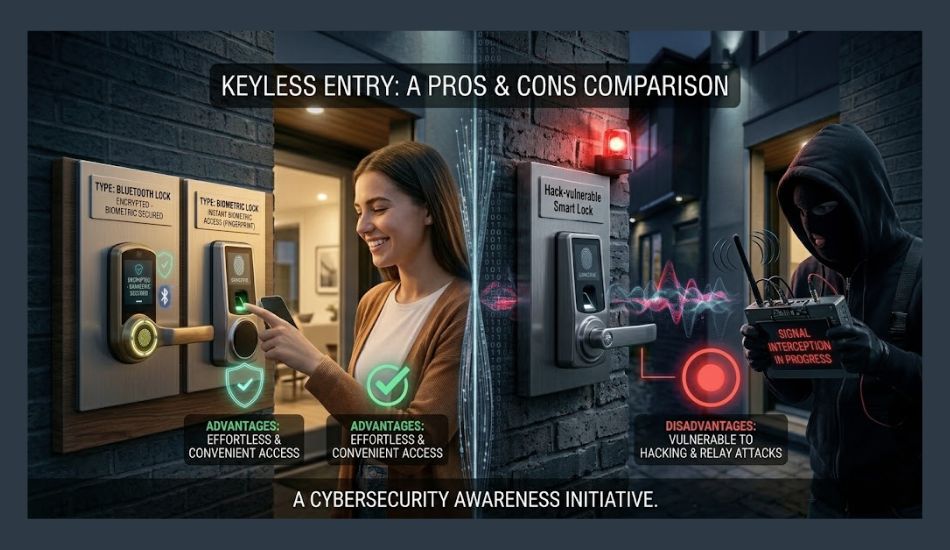
Keyless Entry Systems Pros and Cons
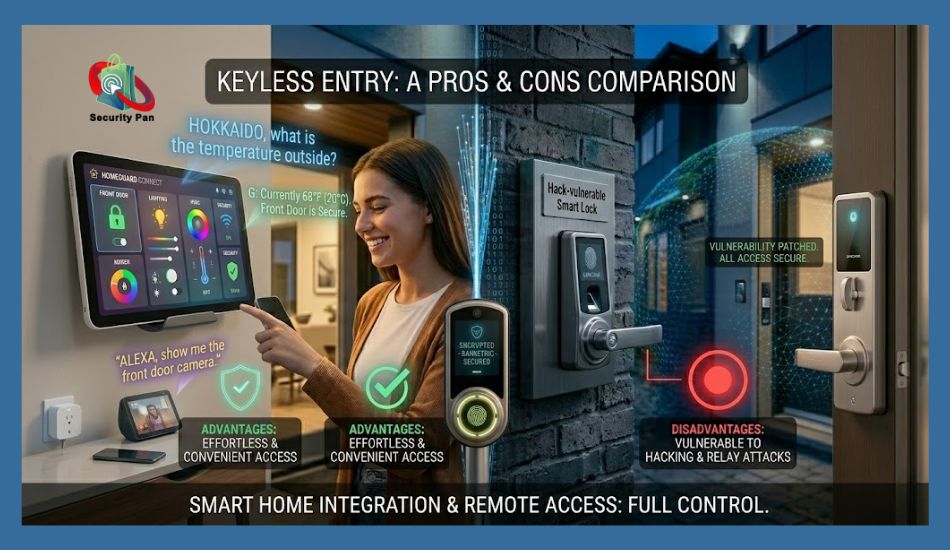
Before you install a smart lock, you should understand both the benefits and the risks. Some features can make your daily life easier. Others may create security or privacy problems if you choose the wrong system.
| Feature | Pros | Cons |
| Convenience | You can unlock your door using a phone, fingerprint, keypad, or voice command. You no longer need to carry physical keys everywhere. | If your phone battery dies or the app stops working, you may get locked outside your own home. |
| Remote Monitoring | Many smart locks send real-time alerts when someone enters or leaves your home. This helps you watch your property even while traveling. | Some systems depend heavily on cloud servers and internet access. If the connection fails, remote features may stop working. |
| Temporary Guest Access | You can create temporary codes for guests, cleaners, Airbnb visitors, or delivery workers without giving away a real key. | Weak passwords or reused access codes may increase smart lock security risks if not managed carefully. |
| Auto-Lock Features | Smart locks can lock your door automatically after a few seconds or when you leave the house. This reduces the chance of forgetting to lock the door. | Software bugs or sensor failures may cause false locking or unlocking problems in some cheaper systems. |
| Smart Home Integration | Many locks now work with Google Home, Amazon Alexa, and Apple HomeKit for voice control and automation. | Smart home connections can create extra privacy concerns because multiple devices share user data across apps and cloud services. |
| Battery-Powered Security | Most keyless locks keep working during short power outages because they use internal batteries. | Battery failure is one of the biggest problems in keyless entry systems. If you ignore low-battery alerts, the lock may stop working completely. |
| Advanced Security Features | Newer locks include encryption, biometric access, and relay attack prevention systems to improve home security in 2026. | Cheap or outdated locks may still face keyless entry hacking, Bluetooth interception, or relay attacks if firmware updates are ignored. |
Modern keyless entry systems can improve home security and daily convenience when you choose a trusted brand and keep the software updated. But if you buy low-quality locks or ignore security settings, the risks can become serious very quickly.
Keyless Entry Systems: Real Cons and the Problems People Don’t Talk About
Problem 1: Dead Batteries Lock You Out at the Worst Moment
The reality: Most smart locks run on AA or AAA batteries. They typically last 6 to 12 months. If you’re not paying attention to low-battery warnings, you can come home at midnight to a dead lock with no way in.
According to the US Energy Information Administration, American homes experienced an average of 7 hours of power outages per customer in 2022. Battery-dependent locks add another variable when power reliability matters.
What to do:
- Choose a smart lock with a low-battery alert that notifies your phone weeks in advance.
- Pick a model with an external 9V battery terminal on the exterior. This lets you jump-start the lock from outside using a 9V battery pressed against the contacts, even if the internal batteries are dead.
- Keep a physical key backup in a combination lockbox at a neighbor’s house, not under a doormat or fake rock, which burglars check first.
- Set a calendar reminder to replace batteries every 6 months, regardless of alerts.
Recommended brands with good battery life: Schlage Encode Plus (up to 12 months), Yale Assure Lock 2 (with low battery LED), and August Wi-Fi Smart Lock (8–12 months average).
Problem 2: Relay Attacks Are Stealing Cars Across the US
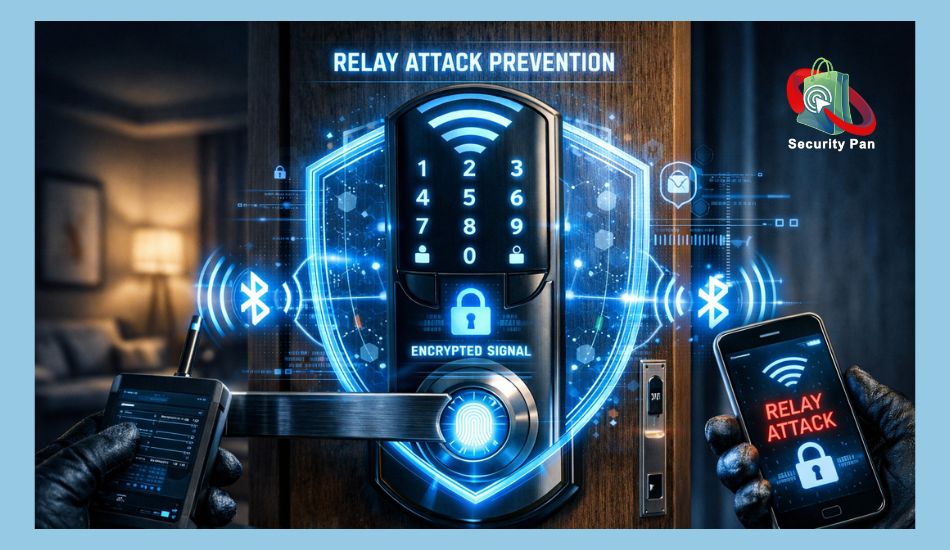
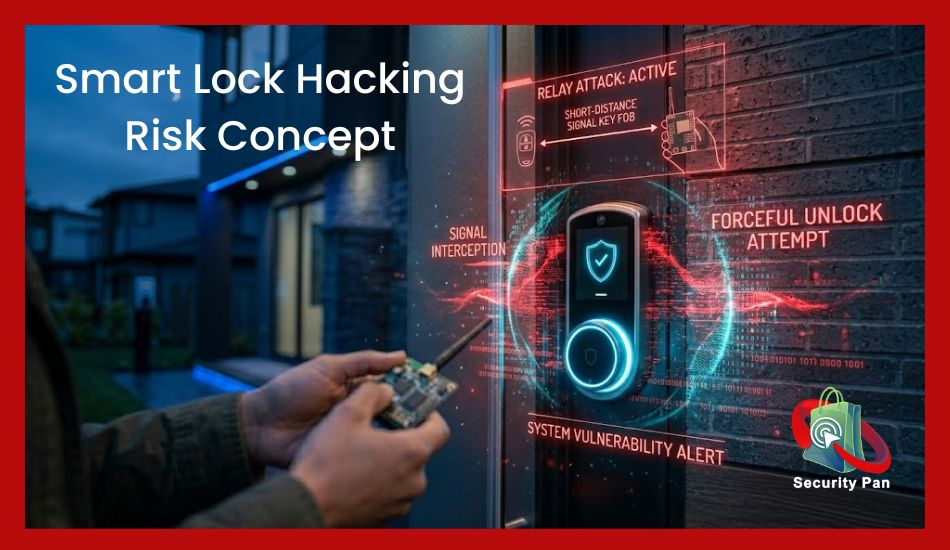
The reality: Relay attacks are the fastest-growing method of keyless vehicle theft in America and the UK. Two thieves work together. One stands near your house with a device that captures your key fob’s signal through the wall, while the other stands near your car with a receiver. The car thinks the key is right there and unlocks.
This works because passive keyless entry systems constantly broadcast a low-power signal looking for the paired fob. Thieves exploit that.
In 2025, multiple reports documented vehicles, including certain Tesla models, Range Rovers, and Honda CR-Vs, being stolen this way in under 60 seconds without triggering any alarm.
What to do:
- Store your car key fob in a Faraday pouch or metal tin when at home. These block radio signals completely. They cost $10–$20 and are one of the most effective defenses available.
- Enable motion-sensing on your fob if it has that feature. Some fobs automatically go into sleep mode if they haven’t moved.
- Use a physical steering wheel lock as a secondary deterrent. Even if thieves get in, they can’t drive far.
- Consider a GPS tracker in your vehicle as a recovery tool.
- Ask your dealership about UWB (Ultra-Wideband) technology upgrades. UWB measures precise distance and makes relay attacks significantly harder than older Bluetooth or RFID systems.
Problem 3: Hacking, Weak Wi-Fi, and Firmware Vulnerabilities
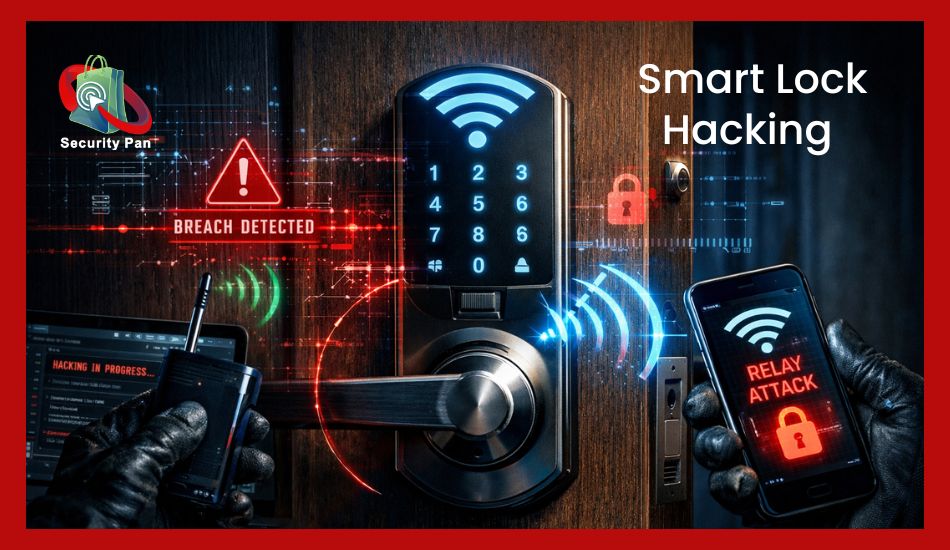
The reality: Smart locks connected to your home Wi-Fi network are only as secure as that network. If your router password is “password123” or your firmware hasn’t been updated in two years, a skilled attacker can potentially intercept communications.
In 2017, researchers showed how certain RKE systems could be compromised using signal amplifiers. The same category of vulnerabilities still exists in cheaper, less-maintained smart lock ecosystems today.
This is less of an issue with premium brands that push regular updates, but it’s a real concern with budget locks purchased on Amazon from unfamiliar manufacturers.
What to do:
- Buy from established brands, such as August, Schlage, Yale, Kwikset, that have dedicated security teams and update their firmware regularly.
- Enable two-factor authentication on your smart lock app account.
- Put your smart home devices on a separate guest Wi-Fi network isolated from your main devices. This limits damage if one device is compromised.
- Update firmware immediately when prompted. Don’t delay updates on security devices.
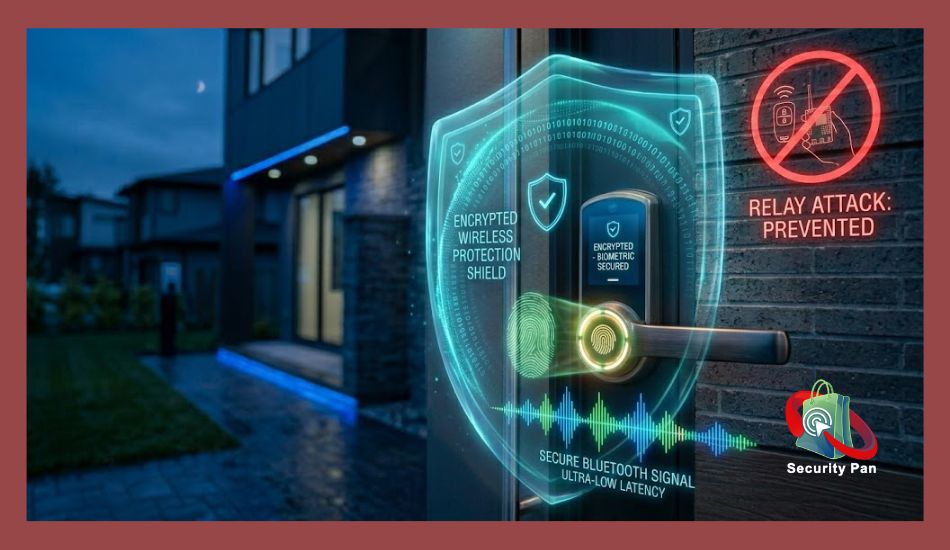
- Avoid any smart lock that doesn’t encrypt its communications; look for AES-128 encryption as a baseline.
Problem 4: Power Outages Take Down Wi-Fi Locks
The reality: If your smart lock relies on a Wi-Fi connection and the power goes out, you may lose remote access and app functionality. The lock itself usually still works locally (via keypad or fob), but cloud features go dark.
In regions prone to hurricanes, severe storms, or grid instability, such as Texas, Florida, and parts of the Midwest, this matters more than average.
What to do:
- Choose a lock that works offline for local PIN entry even without internet.
- Invest in a small UPS (uninterruptible power supply) for your router if smart home reliability is a priority for you.
- Consider a Bluetooth-only smart lock if you live in an area with frequent outages. Bluetooth works device-to-device without the internet, so the lock responds to your phone directly.
Problem 5: Forgotten or Compromised Codes
The reality: If someone you gave a code to, a contractor, a dog walker, or a former partner misuses that access, you face a real security issue. Unlike changing the locks, which requires a locksmith, smart locks let you delete individual codes instantly. But many people don’t bother creating unique codes per person, which defeats the purpose.
Also, shoulder surfing, someone watching you type your PIN, is a low-tech but real threat.
What to do:
- Create a unique code for every person who needs access. Never share your master code.
- Set time-limited codes that expire automatically after a visit or service window.
- Audit your active codes monthly and delete any you no longer need.
- Change your master PIN every 3–6 months as standard practice.
- Enable auto-lock so the door locks itself after a set time (1–5 minutes), whether or not anyone remembers.
Problem 6: Installation Headaches for Older US Homes
The reality: Many American homes, especially those built before 1990, have non-standard door dimensions, older door frames, or doors that aren’t designed for modern smart lock hardware. Retrofitting can require modifications, and some properties simply don’t fit standard smart lock sizes.
Renters face another barrier: many landlords don’t allow modifications to door hardware without permission.
What to do:
- Measure your door’s backset (the distance from the door edge to the center of the lock hole) before purchasing. Most US homes have a 2⅜” or 2¾” backset; most smart locks accommodate both.
- Look for retrofit smart locks like the August Wi-Fi Smart Lock, which attaches to your existing deadbolt from the inside without replacing the entire lock. Renters love these because they leave no trace.
- Check with your landlord first, many are open to smart locks when you present it as a security improvement and offer to restore the original lock upon moving out.
- For older homes with unusual door configurations, hire a locksmith to assess compatibility before purchasing hardware.
Problem 7: Technology Glitches at Inconvenient Times
The reality: Smart locks occasionally fail to recognize a fingerprint after you’ve been gardening (dirty fingers), fail to connect via Bluetooth in very cold weather, or experience app crashes during software updates.
None of these failures is catastrophic if you plan for them, but they’re genuinely frustrating, especially if you’re the one locked outside.
What to do:
- Always choose a smart lock that offers multiple entry methods: PIN, app, and physical key. Never rely on a single entry method.
- Keep the manufacturer’s app updated on your phone, as older versions can have connectivity bugs.
- For biometric locks, clean the fingerprint sensor occasionally with a dry cloth.
- In extremely cold climates (below 0°F / -18°C), some electronic components can slow down, and consider a keypad lock rather than a touch-screen or fingerprint model for outdoor use in harsh winters.
Quick Comparison: Keyless Entry vs. Traditional Locks
| Factor | Keyless Entry | Traditional Lock |
| Lost key risk | None | High |
| Picking vulnerability | Low (no keyhole on PIN models) | Moderate to High |
| Hacking risk | Low to moderate (depends on brand) | None |
| Remote access | Yes | No |
| Access logs | Yes | No |
| Battery dependency | Yes | No |
| Cost to install | $150–$400+ | $30–$150 |
| Power outage impact | App features lost | No impact |
| Easy to change access | Instant (digital) | Requires locksmith |
Keyless Entry for Homes vs. Vehicles: Different Problems, Different Solutions
Home locks focus on flexibility. The main risks are weak PINs, outdated firmware, and shared codes that don’t expire. The solutions are good digital hygiene: unique codes, regular audits, strong Wi-Fi security, and a firmware update habit.
Vehicle keyless entry faces a more aggressive threat environment. Relay attacks, OBD port cloning, and signal jamming are real, documented attack methods happening in US neighborhoods today. The defenses are physical: Faraday pouches, motion-sensing fobs, steering wheel locks, and UWB-equipped vehicles.
Don’t treat your car’s PKE system and your home’s smart lock as the same category of risk. They’re not.
Best Practices: A Security Checklist for US Homeowners
Use this as your ongoing maintenance list:
- All codes are unique per person, no shared master codes
- Time-limited codes set for contractors, cleaners, and dog walkers
- Low-battery alerts are enabled on the app
- Spare backup key in a secure combination lockbox (not on the property)
- Firmware updated within the last 30 days
- Smart home devices on a separate Wi-Fi network
- Two-factor authentication is enabled on the lock app account
- Auto-lock set to engage within 1–5 minutes
- Car fob stored in a Faraday pouch when parked at home overnight
- Code review done in the last 60 days, inactive codes deleted
What’s Coming in 2026 and Beyond?
UWB (Ultra-Wideband) is the technology most security researchers are excited about. Unlike Bluetooth or RFID, UWB measures the precise distance between a device and the lock, making relay attacks dramatically harder to execute. Tesla, BMW, and Apple’s digital car key standard are moving toward UWB. Expect this to reach more residential smart locks by 2027.
AI-driven access behavior detection is an emerging systems that flag unusual access patterns like a code being entered at 3 AM for the first time and send you an alert automatically.
Digital identity integration is advancing, meaning your government-issued digital ID stored in your phone’s wallet could eventually become your key verified against biometric data on the device itself, never transmitted to the lock.
Final Verdict: Keyless Entry Systems Pros and Cons: Is Safe or Risky?
Keyless entry systems are worth it for most homeowners in 2026, but they’re not plug-and-play security. They require the same intentional maintenance as any security system: updating firmware, auditing codes, using strong PINs, and understanding the specific threats for your use case.
The technology has matured. The market data backs adoption. And the real-world security trade-offs are manageable with the right habits.
The question isn’t whether to go keyless. It’s whether you’re willing to manage it properly once you do.
FAQs: Keyless Entry Systems Pros and Cons-2026
1. What happens if my smart lock’s battery dies and I can’t get in?
Look for the external 9V battery terminal on the bottom of the lock. Press a fresh 9V battery against it to provide temporary power, then enter your PIN. This feature is on most quality smart locks (Schlage, Yale, Kwikset). If your lock doesn’t have this, keep a physical key backup with a trusted neighbor.
2. Are keyless entry systems safe from burglars?
Yes, generally more secure than traditional locks. PIN-based locks have no keyhole to pick, and encrypted signals are much harder to exploit than physical keys, which can be copied in minutes. The risk isn’t picking; it’s weak PINs, shared codes, and outdated firmware. Address those, and you’re in better shape than most.
3. Can someone steal my car using a relay attack even if it’s locked in my garage?
Yes, relay attacks can work through walls. The signal from your fob inside your house can be captured and extended to your car outside. The simplest fix: store your key fob in a metal tin or Faraday pouch every night.
4. Do I need internet for a smart lock to work?
Not always. PIN codes and Bluetooth entry typically work without the internet. Remote access, real-time notifications, and app control require Wi-Fi. Choose a lock that works offline so a network outage doesn’t leave you stuck.
5. How often should I change my access codes?
Change your master PIN every 3–6 months. Delete temporary codes immediately after they’re no longer needed. After any service visit (plumber, cleaner, etc.), delete that specific code right away.
6. Are smart locks allowed in rental apartments?
It depends on your lease and landlord. Retrofit locks (like August) that attach internally and don’t require drilling are much easier to get approved. Always ask in writing before installing.
7. What’s the most secure type of keyless lock in 2026?
A Wi-Fi deadbolt with AES-128 encryption, fingerprint + PIN backup, physical key override, and active firmware support from the manufacturer. Schlage Encode Plus, Yale Assure Lock 2, and Level Lock+ are strong options for US homes.

