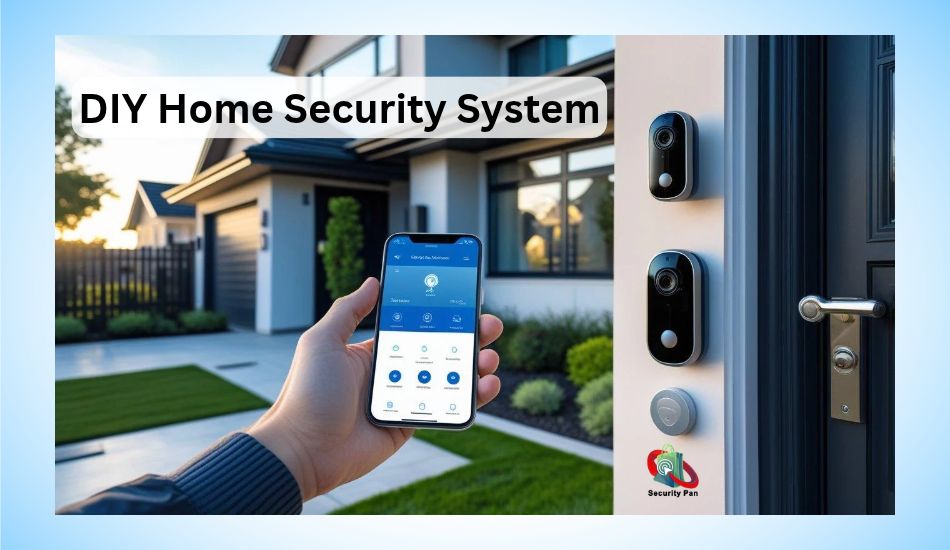
Best home security cameras 2027 can help you protect your home, monitor your front door, and keep an eye on your property when you are away. But choosing the right camera can be hard.
Some offer clear night vision and smart alerts. Others need a monthly plan to save video clips. The best choice depends on your home, budget, and security needs.
Before you buy, think about where you need a camera. Do you want to watch your front door, garage, yard, or living room?
Check video quality, motion alerts, night vision, storage options, and battery life. If you rent your home, a wireless camera may be easier to install. If you need outdoor coverage, choose a model built to handle rain and heat.
You should also check privacy and account security. A camera with strong passwords, two-factor authentication, and regular software updates can help lower the risk of hacking.
If you plan to connect your cameras with other smart devices, make sure your smart home setup and Internet of Things (IoT) devices are secure.
In this guide, you will compare leading home security cameras for US buyers in 2027.
You will learn which features matter, what costs to expect, and how to choose a camera that fits your needs without paying for features you do not use.
What to Look for in a Home Security Camera in 2027
Before you buy a home security camera, think about what you need it to do. A costly camera is not always the best choice. The right model should fit your home, cover the areas you care about, and stay within your budget.
1. Video Quality
Video quality helps you see what is happening around your home. A 1080p HD camera can work well for basic monitoring. A 2K or 4K camera can show more detail, which may help you identify a person or read visible signs. Keep in mind that clear video also depends on lighting, camera placement, and internet speed.
2. Night Vision
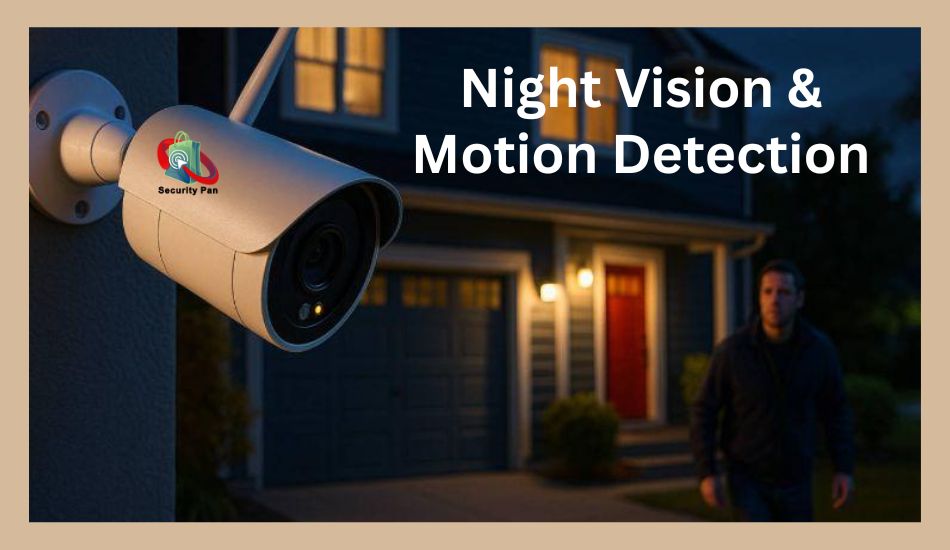
Break-ins and other events can happen at night. Look for a camera with good night vision. Infrared night vision shows images in black and white. Color night vision may show more detail when there is enough light.
3. Motion Detection and Smart Alerts
Motion detection sends an alert when a camera spots movement. Some models can tell the difference between people, pets, and cars. This can help reduce alerts you do not need. Check whether these features are free or require a paid plan.
4. Storage Options
Your camera needs a way to save video clips. Local storage saves footage on a memory card or a home hub. Cloud storage saves clips online. Local storage may reduce monthly costs, while cloud plans can make it easier to view clips from other places. Check how long recordings stay available.
5. Power, Wi-Fi, and Weather Protection
Battery-powered cameras are often easy to install, but you must recharge them. Wired models need a steady power source. Most Wi-Fi cameras also need a stable connection for remote viewing and alerts. For outdoor use, check the weather rating and choose a model built for your local conditions.
Quick tip: Make a list of your main needs before comparing products. Focus on video quality, night vision, storage costs, and security features first. This will help you choose a camera that protects your home without paying for extras you may never use.
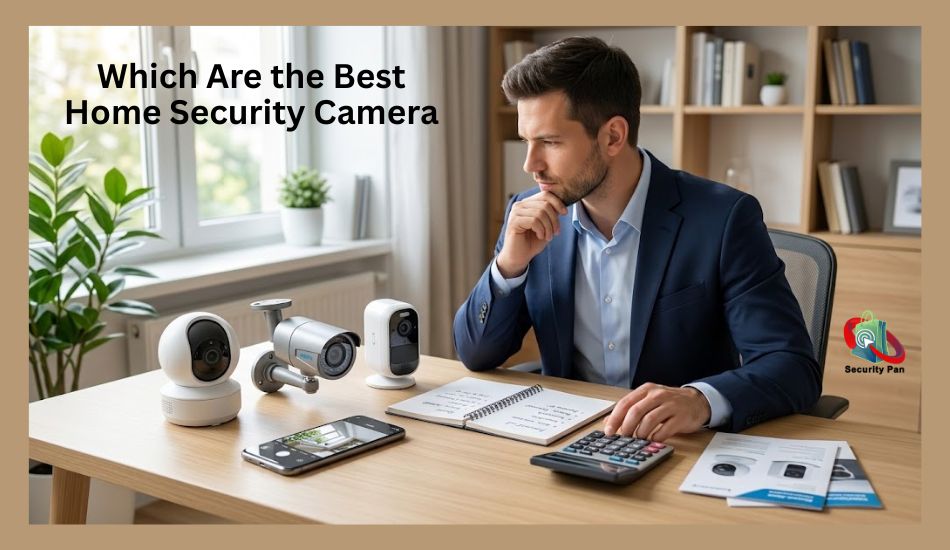
5 Top Picks: Best Home Security Cameras 2027
The best home security camera for you depends on where you want to use it, how much you want to spend, and whether you want to pay monthly fees. Some cameras are better for front doors. Others work well in large yards or inside your home.
Before you buy, compare video quality, night vision, motion alerts, storage options, and smart home support. The following models are worth researching for your 2027 buying decision. Check current US prices, model versions, and plan costs before you order, as these can change.
1. Best for Smart Home Integration: Google Nest Cam
Google Nest Cam is worth considering if you use Google Home devices. It can help you watch key areas of your home and receive activity alerts through a compatible phone app.
What to check:
- Video quality and night vision
- Person and motion alerts
- Cloud video history and plan costs
- Compatibility with your current smart home setup
Best for: People who already use Google Home and want their security camera to work with other smart devices.
Possible downside: Some features and video history options may require a paid plan. Check the exact model before buying.
2. Best for Alexa Users: Ring Stick Up Cam
Ring Stick Up Cam is an option for people who want flexible camera placement and use Amazon Alexa devices. Depending on the model, you may be able to place it indoors or outdoors.
What to check:
- Battery, plug-in, or other power options
- Motion alerts and night vision
- Video recording plan costs
- Alexa compatibility and installation needs
Best for: Homes that use Alexa and buyers who want a camera for multiple types of spaces.
Possible downside: Check whether the recording features you need are included or require a Ring subscription.
3. Best for Local Storage: Eufy Security Cameras
Eufy offers several camera models with different storage and smart detection features. Some models support local storage, which may help you avoid a monthly cloud storage fee.
What to check:
- Whether the model supports local storage
- How much storage is included
- Person detection and night video quality
- Whether a home hub is needed
Best for: Buyers who want more control over video storage and wish to limit recurring costs.
Possible downside: Local storage features vary by model. Check how the camera stores, protects, and lets you access recordings.
4. Best for Budget Buyers: TP-Link Tapo Cameras
TP-Link Tapo cameras are worth comparing if you want useful security features without spending too much. Some models offer motion alerts, night vision, two-way audio, and microSD card storage.
What to check:
- Video resolution and night vision
- MicroSD card support and storage limits
- Motion detection settings
- App security and software updates
Best for: Budget-conscious buyers who want to monitor an entryway, living room, or other small area.
Possible downside: Features vary by model. Check outdoor weather protection, storage support, and smart home compatibility before buying.
5. Best for Outdoor Coverage: Arlo Security Cameras
Arlo offers outdoor camera options with features such as high-resolution video, motion alerts, and night vision. Selected models also support smart detection features that can help you understand what triggered an alert.
What to check:
- Weather resistance and battery life
- Video quality at night
- Local and cloud storage options
- Subscription costs for advanced features
Best for: Homeowners who want to monitor a driveway, yard, garage, or other outdoor area.
Possible downside: Some recording and smart detection features may require a paid plan. Check the cost over time, not just the camera’s purchase price.
How to Choose Between These Cameras
| Your main need | Camera brand to compare |
| Google Home integration | Google Nest |
| Alexa compatibility | Ring |
| Local storage options | Eufy |
| Lower-cost camera options | TP-Link Tapo |
| Outdoor monitoring | Arlo |
These are starting points for your research, not a final ranking. The best model depends on your needs and the features available in the exact version you buy.
Important: This is a 2027 buyer’s guide, so verify the latest models, US prices, subscription terms, and software support before publishing.
Do not label a camera the best based on brand name alone. Compare real features, explain its limits, and show readers why it suits a specific need.
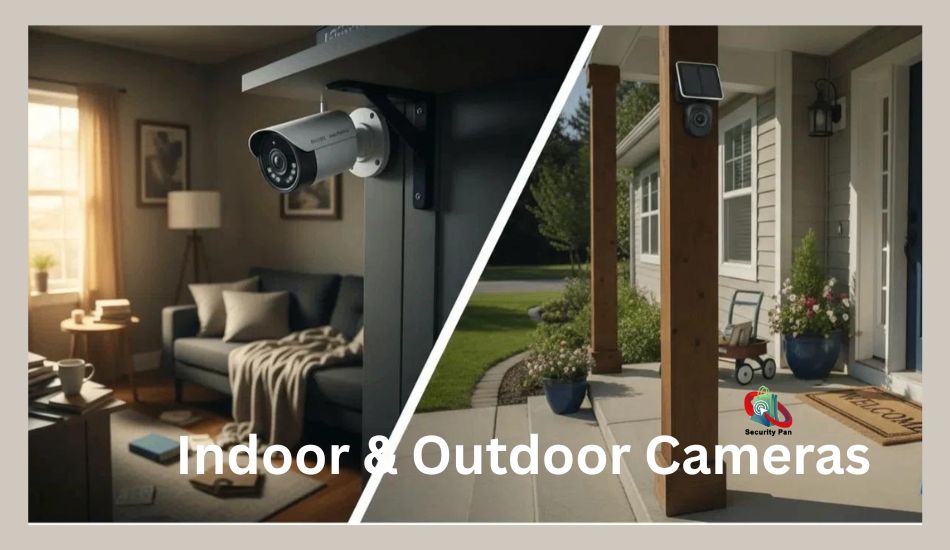
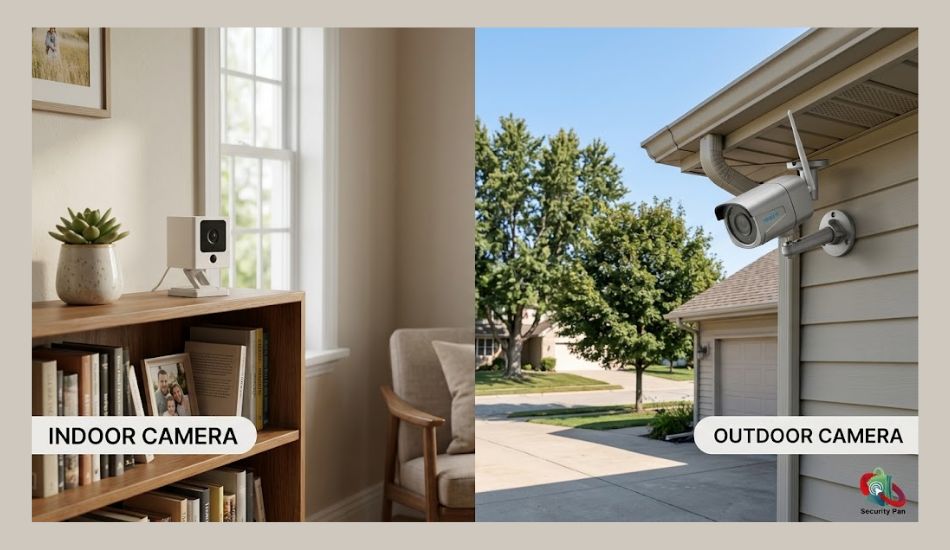
Indoor vs. Outdoor Security Cameras
Before you buy a home security camera, decide where you want to use it. Indoor and outdoor cameras serve different needs. Choosing the right type helps you cover the areas that matter most.
Indoor Security Cameras
Indoor cameras help you watch rooms, pets, and entry points inside your home. You can place one in a living room, hallway, or near an entry door. Many models offer motion alerts, night vision, and two-way audio.
If you rent your home, an indoor camera may be easy to set up without drilling holes. However, think about privacy before placing a camera in a shared or private room. Turn it off when needed, and check who can view its video.
Outdoor Security Cameras
Outdoor cameras help you monitor front doors, driveways, garages, and yards. Look for a model with a suitable weather-resistance rating. It should handle the rain, dust, and heat common in your area.
Night vision, a wide field of view, and motion alerts can also help you spot activity after dark. Place the camera where it can cover key areas without pointing into a neighbor’s private space.
Which One Should You Choose?
Choose an indoor camera if you want to monitor rooms or pets. Choose an outdoor camera if you need to watch your yard or front entrance. If you want full home coverage, you may need both types.
Before buying, check the power source, Wi-Fi range, storage options, and installation needs. These details can help you avoid extra costs and weak camera coverage.
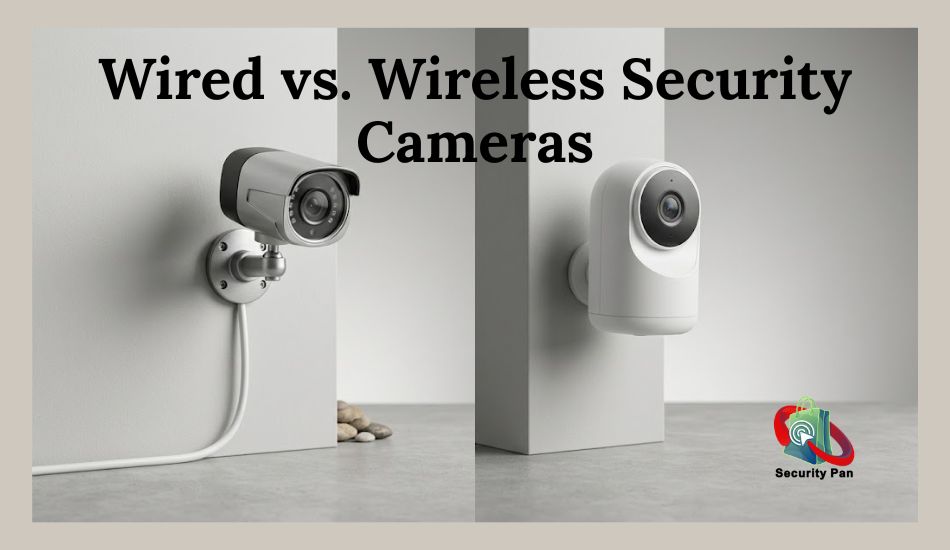
Wired vs. Wireless Home Security Cameras
When choosing a home security camera, you need to decide how it will get power and connect to your network. Wired and wireless cameras both have benefits. The right choice depends on your home, installation needs, and budget.
Wired Home Security Cameras
Wired cameras use a cable for power. Some models also use a cable to send video over your network. Many can run for long periods without battery changes.
These cameras may suit you if you own your home and want a fixed setup. However, you may need to drill holes or run cables through walls. This can make installation harder and add to the cost.
Best for: Homeowners who want a steady power supply and do not mind a more involved setup.
Wireless Home Security Cameras
Wireless cameras send video over Wi-Fi instead of a video cable. Many use batteries, while others need a power cable. Battery-powered models are often easier to install and move.
However, you may need to recharge or replace the batteries. A weak Wi-Fi signal can also cause delays or connection problems. Before buying, check the camera’s battery life and the Wi-Fi coverage near your chosen spot.
Best for: Renters and homeowners who want easy installation with fewer cables.
Wired vs. Wireless: Which Is Better?
| Feature | Wired cameras | Wireless cameras |
| Power | Usually a power cable | Battery or power cable |
| Installation | May need cable work | Often easier to install |
| Battery charging | Usually not needed | Needed for battery models |
| Wi-Fi needs | Depends on the model | Usually needed for remote access |
| Moving the camera | Can be difficult | Often easier |
| Ongoing care | Check cables and power | Check power and connection |
Which should you choose? Pick a wired camera if you want a fixed setup with steady power. Choose a battery-powered wireless camera if easy installation matters most. In both cases, check backup options, network needs, and recording features before you buy.
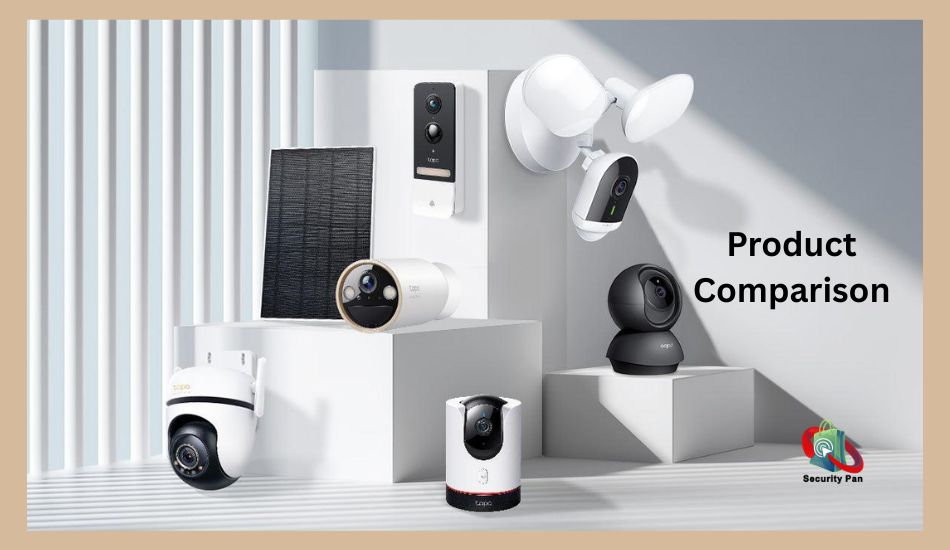
Essential Features to Check Before You Buy
The best home security camera is not always the one with the most features. You need features that solve your security needs. Before you buy, check how the camera records video, detects movement, stores clips, and protects your data.
1. Motion Detection and Person Alerts
Motion detection sends an alert when the camera spots movement. Some models can tell if the movement comes from a person, pet, or vehicle. This can help you avoid alerts caused by passing cars or moving trees.
Check whether smart alerts come with the camera or require a paid plan.
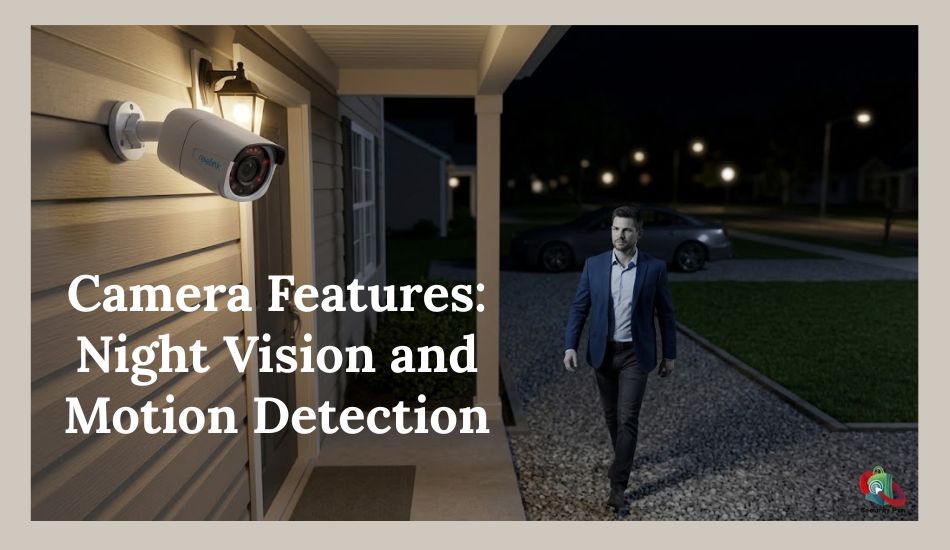
2. Night Vision and Field of View
Night vision helps you see activity in low light or darkness. Infrared night vision usually shows black-and-white video, while color night vision needs enough light.
The field of view tells you how much of an area the camera can see. A wider view may cover more space, but it can make distant objects harder to see.
3. Local and Cloud Storage
Storage decides where your video clips are saved.
- Local storage: Saves clips on a memory card or a home hub.
- Cloud storage: Saves clips online so you can access them through an app.
Check storage limits, recording history, and monthly fees. Also, confirm what happens to your clips if the internet goes down.
4. Two-Way Audio
Two-way audio lets you hear sounds near the camera and speak through its speaker. It can help you talk to a visitor at your front door or check on a family member. Sound quality can vary, so look for reviews that test the microphone and speaker.
5. Smart Home Compatibility
If you use smart speakers or other connected devices, check whether the camera works with your current system. Some models support Google Home or Amazon Alexa, while others have fewer options.
Read your Smart Home Setup guide before adding new devices. Your Internet of Things (IoT) devices should use secure settings and receive regular updates.
6. Account Security and Software Updates
Your camera may record private moments, so account security matters. Choose a model that supports two-factor authentication and regular software updates. Use a strong, unique password and secure your home Wi-Fi network.
Buying tip: Focus on the features you will use every day. Clear video, reliable alerts, fair storage costs, and strong security are often more useful than extra features you may never need.
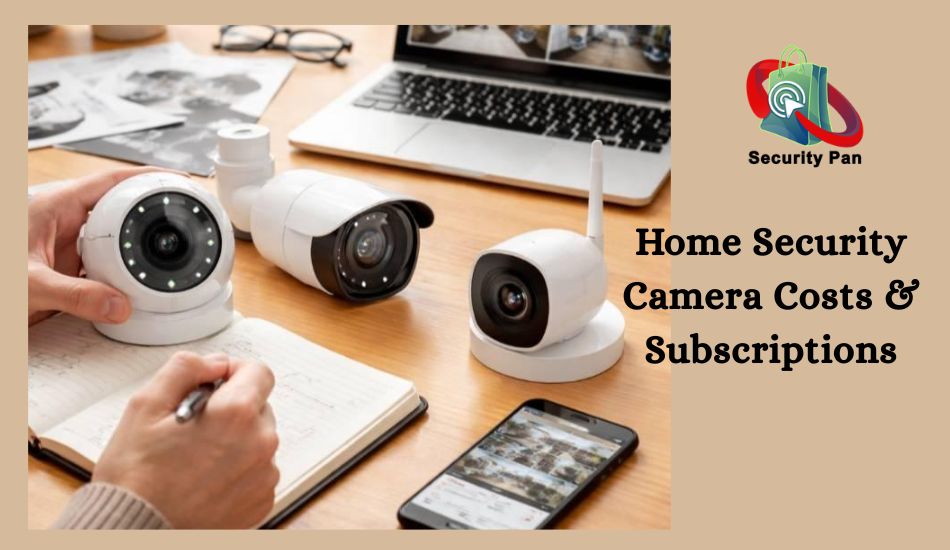
Home Security Camera Costs and Subscription Fees
The price of a home security camera is only part of the cost. You may also need to pay for video storage, extra features, batteries, or installation. Before you buy, check the full cost so you can stay within your budget.
How Much Do Home Security Cameras Cost?
Prices vary by brand, features, and camera type. A basic indoor camera often costs less than an advanced outdoor model. Cameras with higher video quality, smart detection, or extra accessories may cost more.
Use these price ranges as a rough guide, not confirmed 2027 prices.
| Camera type | General price range (USD) |
| Basic indoor camera | 20–50 |
| Feature-rich indoor camera | 50–100 |
| Outdoor wireless camera | 50–200+ |
| Advanced multi-camera system | 200–500+ |
Actual prices may fall outside these ranges. Check current US listings before making your final choice.
Do You Need a Monthly Subscription?
Not always. Some cameras let you save video clips to a memory card or home hub without a monthly cloud plan. Other models offer limited features for free but charge for cloud recording, longer video history, or advanced alerts.
Before you choose a camera, ask these questions:
- Can you view live video without a paid plan?
- Can you save and replay recorded clips for free?
- Does person detection require a subscription?
- How long will your videos remain available?
- Can you access saved clips if your internet stops working?
Check the Long-Term Cost
A cheaper camera may cost more over time if it needs a paid plan. For example, a $5 monthly subscription adds up to $60 per year. Over three years, that is $180, not including the camera itself.
You should also consider battery replacements, memory cards, and any installation fees.
Buying tip: Compare the total cost over two or three years, not just the price on the box. Choose a camera that offers the features you need without forcing you to pay for extras you will not use.
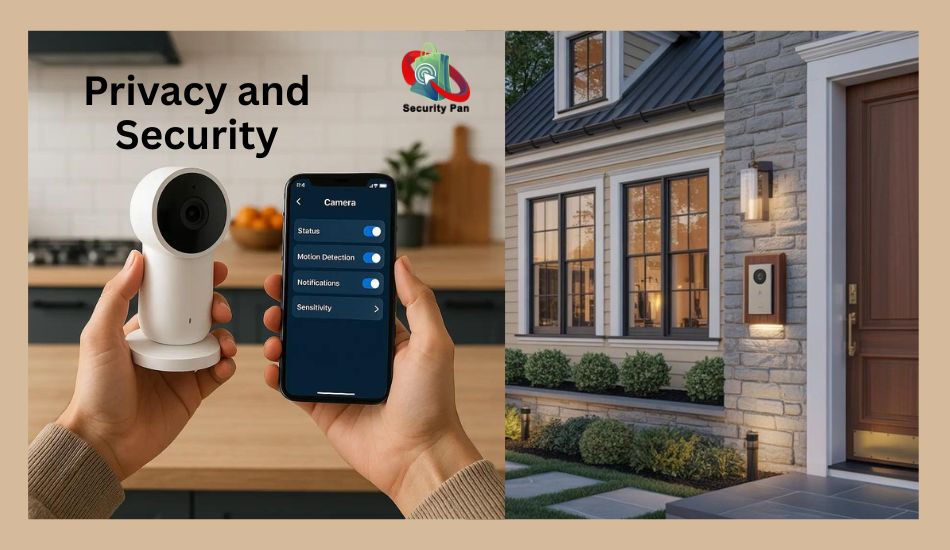
Privacy and Security Risks You Should Know
A home security camera helps you watch your property, but it can also put your privacy at risk if you do not secure it. Hackers may try to access camera feeds, steal saved videos, or take control of your account. A few simple steps can lower these risks.
1. Use a Strong Password
Never keep the default password that came with your camera. Create a strong, unique password for your camera account. Do not reuse the password from your email or other apps. If one account is hacked, a reused password can put your other accounts at risk.
2. Turn On Two-Factor Authentication
Choose a camera brand that supports two-factor authentication (2FA). This adds another step when you sign in. Even if someone steals your password, they may still need a second code or approval to access your account.
3. Keep Your Camera Updated
Camera makers release software updates to fix bugs and security flaws. Turn on automatic updates if the option is available. Also, check that the maker still supports your model. A camera that no longer receives security updates may become harder to protect.
4. Secure Your Home Wi-Fi
Your camera may depend on your home network to send video and alerts. Change your router’s default admin password and use WPA2-AES or WPA3 security when supported. Keep your router updated, too. A separate guest or IoT network can help limit the access your smart devices have to other devices in your home.
5. Protect Your Video and Privacy
Check who can view your camera feed. Remove old users who no longer need access, and avoid sharing login details. Use privacy zones to block areas you do not want to record. Place cameras with care, and avoid recording private areas inside your home or your neighbors’ spaces.
How Can You Tell if Your Camera Account May Be at Risk?
Watch for login alerts you do not recognize, unexpected changes to settings, or users you did not add. If something looks wrong, change your password, review account access, update the camera, and contact the maker if needed.
Security tip: Treat your camera like any other connected device. A secure password, two-factor authentication, regular updates, and careful sharing can help keep your video private.
Which Home Security Camera Is Best for Your Needs?
The best home security camera depends on what you want to protect. You do not need to buy the most expensive model. Start with your main concern, then choose a camera that meets your needs and fits your budget.
1. Best Camera for Renters
If you rent your home, look for a wireless camera that is easy to install and remove. A battery-powered model may work well if you cannot drill holes or run cables. Check battery life, Wi-Fi needs, and whether you can take the camera with you when you move.
2. Best Camera for Homeowners
If you own your home, you have more options for camera placement. You can use wired cameras for fixed areas or wireless models for places where cables are hard to install. For better coverage, focus on your front door, garage, driveway, and other key entry points.
3. Best Camera for Families and Pet Owners
If you want to check on children, pets, or visitors, choose an indoor camera with clear video and two-way audio. Motion alerts can help you know when activity happens. Place cameras with care to protect the privacy of everyone in your home.
4. Best Camera for Large Yards and Driveways
For outdoor spaces, look for a camera with good night vision, a wide field of view, and reliable motion alerts. Check the Wi-Fi signal at the planned location. If the signal is weak, you may need to improve your network or choose a camera with a suitable connection option.
5. Best Camera for Buyers on a Budget
If you want to spend less, compare basic cameras that offer clear video, motion alerts, and local storage. Check whether you can save and view recordings without a monthly plan. A low purchase price is less useful if the features you need cost extra.
Quick Buying Guide: Best Home Security Cameras 2027
| Your need | What to look for |
| Easy installation | Battery-powered wireless camera |
| Front door monitoring | Clear video and fast motion alerts |
| Indoor pet monitoring | Two-way audio and live view |
| Large outdoor areas | Night vision and wide field of view |
| Lower ongoing costs | Local storage without required fees |
| Better account security | Two-factor authentication and updates |
Final advice: Choose your camera based on where you will use it, what you need it to record, and how much you can spend over time. Compare the exact models before you buy. This helps you avoid paying for features that do not solve your problem.
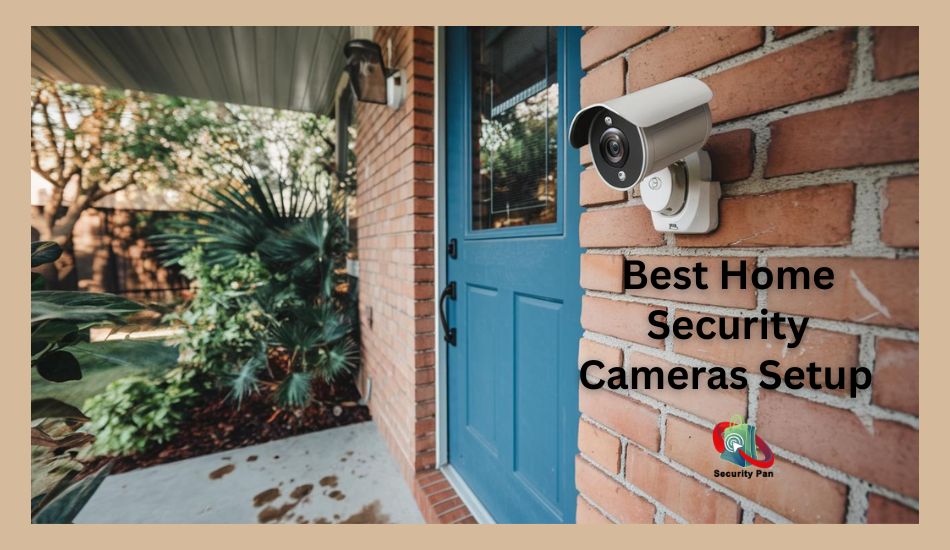
How to Set Up Your Home Security Camera Safely
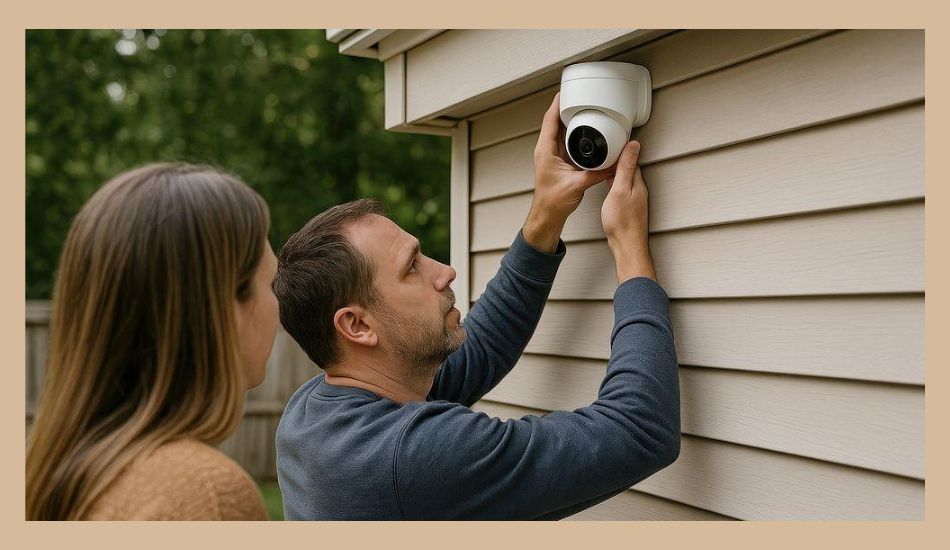
Buying the right camera is only the first step. You also need to install it in the right place and secure it before you start recording. A good setup helps you get clear video, useful alerts, and better protection for your home.
1. Choose the Right Camera Location
Place outdoor cameras near key entry points, such as your front door, garage, or driveway. Install indoor cameras in areas where you need to monitor activity. Avoid pointing cameras into bedrooms, bathrooms, or your neighbors’ private spaces.
2. Secure Your Wi-Fi Network
Connect your camera to a trusted Wi-Fi network. Use a strong router password and WPA2-AES or WPA3 security if your router supports it. Place the camera where the signal is strong enough for reliable video and alerts.
3. Protect Your Camera Account
Create a unique password for your camera account. Turn on two-factor authentication if available. Give access only to people you trust, and remove old users when they no longer need access.
4. Set Up Alerts and Privacy Controls
Open the camera app and adjust motion zones to cover the areas you care about. Set alerts for useful events, such as people near your front door. Use privacy settings to block areas you do not want to record.
5. Test Your Camera
Check the live view during the day and at night. Walk through the camera’s viewing area to test motion alerts. Make sure recorded clips save correctly and that you can view them when away from home.
If you are adding cameras to a wider Smart Home Setup, check that each connected device is secure. Your Internet of Things (IoT) devices should receive regular updates and use safe account settings.
Setup tip: Review your camera settings from time to time. Test alerts, check for software updates, and confirm that only trusted people can view your footage.
Conclusion: Choose the Right Home Security Camera for Your Needs
Choosing the best home security cameras in 2027 starts with knowing what you need to protect. You may want to watch your front door, keep an eye on your pets, or monitor your yard at night. Focus on clear video, reliable motion alerts, safe storage, and strong account security.
Before you buy, compare the camera’s price, subscription fees, power needs, and privacy features. A low-cost model may be enough for one room, while a larger property may need several cameras. Check the latest US prices and features before making your final choice.
Most importantly, secure your camera with a strong password, two-factor authentication, and regular software updates. These simple steps can help protect both your home and your private video.
Ready to make your choice? Compare your top options, list the features you need, and choose a camera that fits your budget. For better protection, review your smart home setup and secure every connected IoT device.
Relevant article: How to Stop Hackers from Your Home Wi-Fi in 2026?
FAQs About Home Security Cameras in 2027
1. What is the best home security camera in 2027?
The best camera depends on your needs and budget. Compare Google Nest, Ring, Eufy, TP-Link Tapo, and Arlo models for video quality, night vision, storage, smart features, and ongoing costs before you buy.
2. Are home security cameras worth buying?
Yes, a home security camera can help you monitor entry points, check on visitors, and review recorded events. However, it cannot stop every break-in. Good locks, safe habits, and proper camera placement also matter.
3. Do home security cameras work without a subscription?
Yes, some models offer live viewing and local video storage without a monthly fee. However, cloud recording and advanced alerts may require a paid plan. Check the exact model’s terms before buying.
4. Which is better: wired or wireless security cameras?
Wired cameras suit fixed locations where steady power is available. Wireless cameras are often easier to install and move. Your best choice depends on your home’s layout, power access, Wi-Fi signal, and installation needs.
5. Can home security cameras work without Wi-Fi?
Some cameras can record locally without Wi-Fi, but features vary. You may lose remote viewing, app alerts, or cloud storage. Check the product’s offline recording options before buying.
6. How can you stop hackers from accessing your security camera?
Use a strong, unique password and turn on two-factor authentication. Keep your camera and router updated. Secure your Wi-Fi, limit shared access, and buy from a maker that provides regular security updates.