
Yes, a DIY home security system can be hacked. Cameras, doorbells, sensors, and smart locks all connect to your Wi-Fi and to a cloud account, and attackers go after both. Most break-ins to these systems are not clever.
They rely on reused passwords, devices left on default settings, and old firmware. Fixing those three things, plus separating the devices from your laptops and phones on your home network,l blocks the large majority of common attacks.
This guide covers how DIY systems get compromised, the settings that matter most, how to tell if yours has been accessed, and what to do next.
What Are DIY Home Security Systems?
A DIY home security system is a set of devices you install and manage yourself. DIY means Do It Yourself. You choose where to place the devices, connect them to your network, and control them through a keypad or mobile app. Most systems use a mix of physical security devices and connected technology.
Common Parts of a DIY Home Security System
- Security cameras: Record video and may send alerts when they detect movement.
- Door and window sensors: Detect when someone opens a protected door or window.
- Motion sensors: Detect movement inside a room or another monitored area.
- Smart locks: Let you lock or unlock a door using a keypad, app, or other supported method.
- Alarm hub or control panel: Connects supported devices and manages alerts.
- Mobile app: Lets you check device status, receive alerts, and change settings.
- Wi-Fi router: Connects compatible devices to your home network and may provide internet access.
Not every system includes all these parts. Some use a central hub, while others connect directly to your router.
How Does It Protect Your Home?
A DIY system can alert you when a door opens, record activity near an entrance, or sound an alarm when it detects a possible break-in. Some systems also let you check cameras while you are away.
However, a security system is only as reliable as its setup, power supply, network, and supported features. An internet connection may be needed for remote viewing and phone alerts, while some local alarms may continue to work without it.
The key point: DIY home security protects more than your doors and windows. When your devices connect to the internet, you must also protect their accounts, software, and network.
How do DIY security systems get hacked?
Most attacks fall into a few patterns.
1. Credential stuffing.
Attackers take email and password pairs leaked from other websites and try them on camera apps. If you reuse a password, they get in without breaking anything.
This is what happened in the widely reported 2019 Ring cases, including a Mississippi family whose daughter heard a stranger speaking through their bedroom camera. The accounts were accessed with stolen logins, and the lack of a second verification step made it easy.
2. Default or weak device passwords.
Some cameras, especially cheaper unbranded ones, ship with a known admin password. Automated scanners find them within hours of being plugged in.
3. Unpatched firmware.
Manufacturers fix security flaws through updates. A camera that never updates keeps the flaw.
4. Phishing.
A fake “your camera is offline” or “verify your account” email takes you to a page that copies the login screen. See our guide to phishing attack examples to learn what these look like.
- A weak home router: If your router uses an outdated setup, has remote administration open, or uses UPnP to open ports automatically, a camera can become reachable from the internet.
- Vendor-side mistakes: Sometimes the company is at fault. In 2023, the FTC finalized a settlement with Ring over claims that it failed to protect customers’ videos from unauthorized access.
And in 2024, a Wyze cloud outage let some users briefly see thumbnails from other people’s cameras. These cases are a reason to pick vendors carefully and to limit how much video you store in the cloud.
What can an attacker do with access?
- Watch live video or review saved clips, which reveals when you are home and away.
- Use two-way audio to speak to people in the house.
- Turn off alerts or disarm the system.
- Unlock a connected smart lock if it shares the same account.
- Use the camera as a foothold to reach other devices on your network.
The last point is why the risk extends beyond privacy. One weak device on a flat home network can lead to your laptop or phone.
7 Settings That Protect DIY Security Systems
1. Use a unique password for each account
Create a long, random password for your camera or alarm account that you do not use anywhere else. A password manager does this for you. Check your email address on Have I Been Pwned to see whether it appears in known leaks.
2. Turn on two-factor authentication or passkeys
A second step stops stolen passwords from working. Choose an authenticator app or a passkey over text messages when the app offers the option. Ring, Arlo, Wyze, SimpliSafe, and most major brands support two-step verification, and some now require it. Our guide to what two-factor authentication is walks through the setup.
3. Put cameras and sensors on a separate network
Most routers let you create a guest network or an IoT network. Connect all security devices to it and keep your phones and computers on the main network. If a camera is compromised, the attacker cannot easily reach your personal files. In the router settings, look for “Guest Network” and turn on “client isolation” if it is offered.
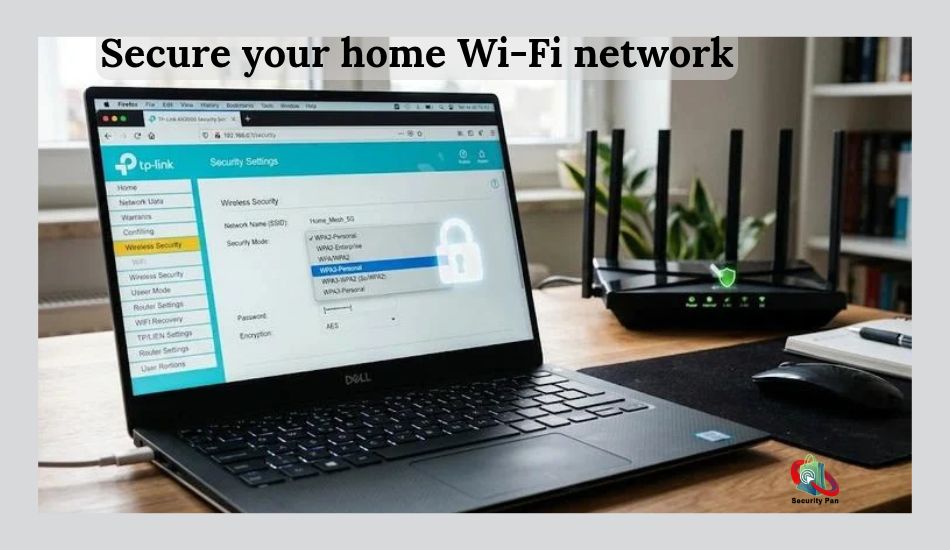
4. Secure the router first
- Change the default router admin password.
- Use WPA3 if your router supports it, or WPA2-AES if not.
- Turn off WPS and UPnP.
- Turn off remote administration unless you need it.
- Install router firmware updates, or replace a router that no longer receives them.
For a longer walkthrough, read how to stop hackers from accessing your home Wi-Fi.
5. Keep firmware current
Turn on automatic updates in the app. For devices without that option, check for updates when you change the batteries. If a vendor has stopped issuing updates for a device, plan to replace it.
6. Share access carefully
Give family members their own accounts instead of sharing your login. Review the shared-user list every few months and remove people who no longer need access. Delete old devices from your account when you sell or give them away.
7. Check what the app can access
On your phone, review permissions for the security app. Camera, microphone, location, and contacts access should be limited to what the app actually uses.
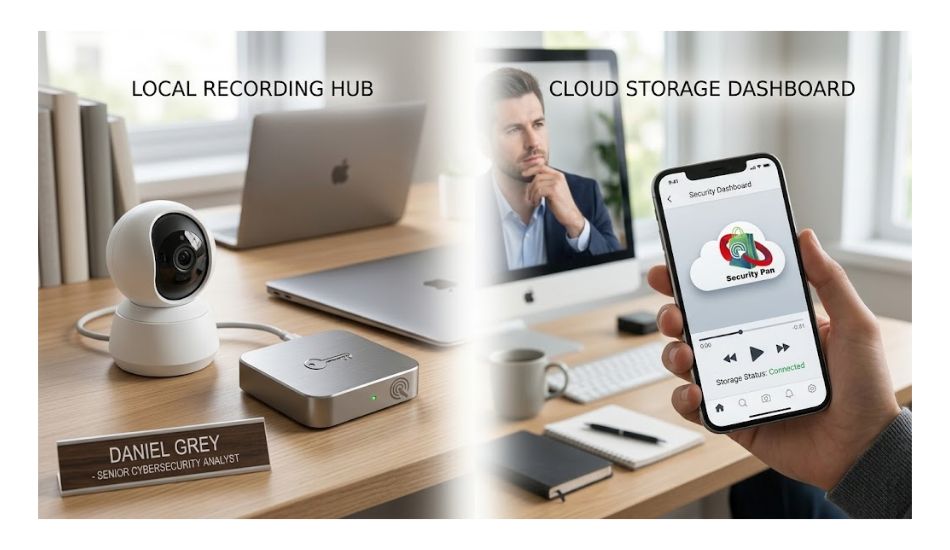
Cloud storage or local storage: which is safer?
| Topic | Cloud storage | Local storage (SD card or hub) |
| Access from anywhere | Yes, easy | Sometimes, depends on setup |
| Risk if the vendor is breached | Higher | Lower |
| Risk if the device is stolen | Lower (footage is off-site) | Higher (footage leaves with it) |
| Cost | Often a monthly fee | Usually one-time |
| Best for | Renters, people who want backup | People who want more control |
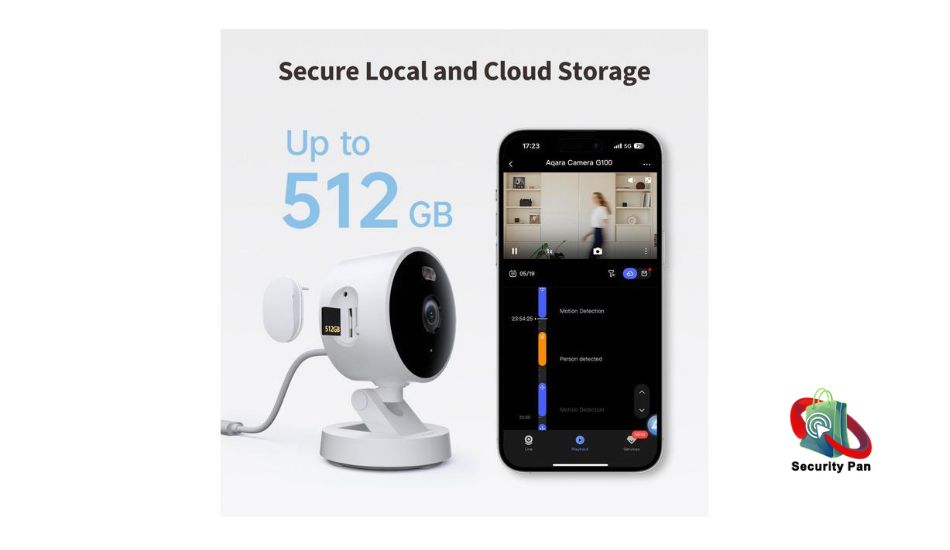
Neither choice is automatically safer. Many households use local recording for continuous video and cloud backup only for motion events. If you use cloud storage, check whether the company offers end-to-end encryption and enable it.
Note that end-to-end encryption can disable some features, such as AI person detection.
Can hackers disable a DIY alarm without touching it?
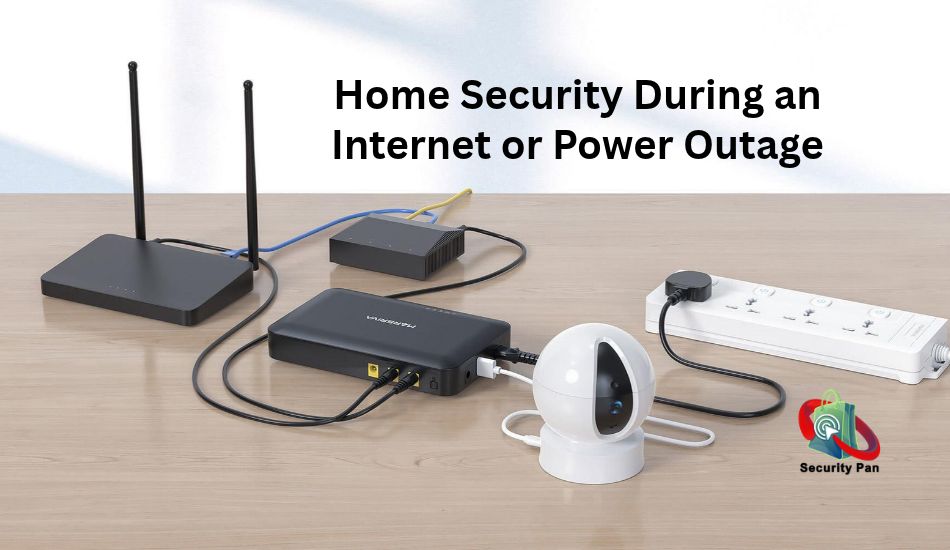
Sometimes. Wi-Fi jammers and a cut internet line can stop a camera from sending alerts. A system that depends on Wi-Fi alone is the most exposed. Look for these features when you buy:
- Cellular backup, so the base station can still alert you when the internet is down.
- Battery backup in the hub and sirens.
- Local sirens that sound even without internet.
- An alert when a device goes offline, not only when it detects motion.
Signs your camera or account may be compromised
- The camera moves, turns on, or speaks when you did not trigger it.
- You receive login alerts or password reset emails you did not request.
- Unknown devices or users appear in the app.
- The camera light turns on at odd times.
- Settings changed (for example, motion alerts are off).
- Your Wi-Fi is slower than normal, or the router lists devices you do not recognize.
Some of these have harmless causes, such as a firmware update that restarts the device. Check the activity log in the app before assuming the worst.
What to do if your security camera was hacked
- Disconnect the device. Unplug it or turn off its Wi-Fi.
- Change your account password from a device you trust, then log out of all other sessions.
- Turn on two-factor authentication.
- Remove unknown users and linked services (voice assistants, third-party apps).
- Change your Wi-Fi password and router admin password.
- Update firmware on the camera and router before reconnecting.
- Reset the camera to factory settings if you have any doubts, then set it up again.
- Change the password on any other account that used the same one, starting with email.
- Report it. In the US, file a report at ReportFraud.ftc.gov and, for threats or extortion, at ic3.gov. Contact local police if someone threatened you or watched your home.
What to check before you buy
- Does the company publish security updates and say how long a device will receive them?
- Is two-factor authentication or a passkey option available?
- Does the brand have a vulnerability reporting page?
- Can you record locally if you choose?
- Does it work on a separate network without losing features?
- Has the company had an FTC action or a well-documented breach? Read what it did afterward.
The US Cyber Trust Mark, a voluntary FCC-backed label for smart devices, is meant to make this easier. Check whether the product you want carries it, but treat the label as one signal and still check the points above. For camera comparisons, see our best home security cameras guide.
Is DIY or professional monitoring safer?
Professional systems are not immune. They also use internet-connected cameras and cloud accounts, and installers often leave default settings in place. The main difference is who maintains the system.
With DIY, updates, passwords, and network setup are your job. With a professional service, some of that is handled for you, usually for a monthly fee and a contract. A DIY system that is set up with the steps above is a reasonable choice for most households.
Summary: What Puts Them at Risk and How to Protect Yours
DIY home security systems can be hacked, and the most common causes are reused passwords, missing two-factor authentication, old firmware, and a flat home network.
Set a unique password, turn on a second verification step, move devices to a separate network, secure the router, and keep updates on.
If something looks wrong, disconnect the device, change your passwords, and report it.
FAQs: How to Secure DIY Home Security Systems from Cyber Threats
1. Can someone hack my Ring, Wyze, or Arlo camera?
Yes, if the account uses a reused password and has no second-factor verification. Most reported cases involve stolen logins, not a flaw in the camera itself. Use a unique password and two-factor authentication on every brand.
2. Can hackers see my camera if my Wi-Fi is secure?
Secure Wi-Fi helps, but the greater risk lies in the cloud account. Someone can view your cameras from anywhere with your login, regardless of how strong your home network is. Protect both.
3. Should I put security cameras on a separate Wi-Fi network?
Yes. A guest or IoT network keeps a compromised camera away from your computers and phones. Check that the cameras still work after the move, since a few brands need to be on the same network as your phone during setup.
4. Are wired cameras safer than wireless ones?
Wired power and Ethernet remove the risk of Wi-Fi jamming, and wired connections avoid some wireless attacks. They are still vulnerable to account theft and unpatched firmware.
5. How do I know if my security camera was accessed?
Check the account’s login history and activity log for sessions you do not recognize, look for unexpected camera movement or sound, and review the device list on your router.
6. Is a DIY security system worth it if it can be hacked?
Any connected device can be attacked, but the risk is manageable. A DIY system with unique passwords, two-factor authentication, current firmware, and a separate network is far safer than the same system left on defaults.
7. Do I need a VPN for my security cameras?
Not for most home setups. A VPN protects traffic on a device, not the camera account. Your time is better spent on two-factor authentication, router settings, and updates. Advanced users can use a VPN to reach a local recorder without opening ports on the router.

