
Automated home security systems help you monitor your home, control smart locks, and receive alerts on your phone. You can check your security cameras while at work or get a warning when a door opens. These tools make home protection easier, but they do not remove every risk.
Your system may still have weak points. A stolen account, an unsafe Wi-Fi network, an outdated device, or a power failure can affect how well it works. Some devices may also collect more personal data than you expect.
So, are automated home security systems really secure? The answer depends on how you choose, set up, and maintain your devices. In this guide, you will learn how home security automation works, which risks to watch for, and how to protect your home from both physical and digital threats.
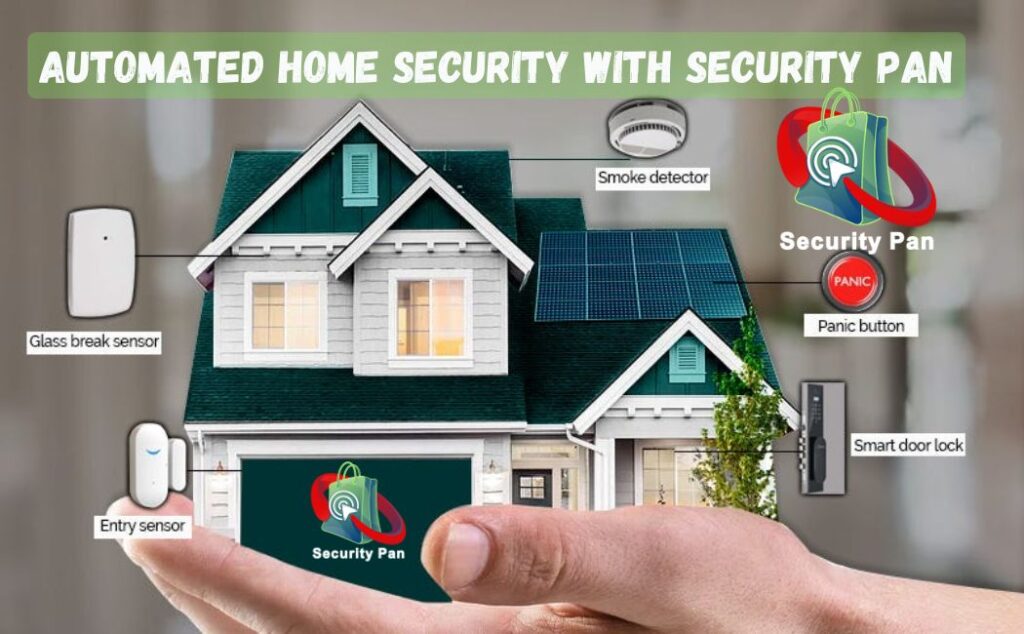
Quick Answer: Automated home security systems can make your home safer, but only if you set them up correctly. Studies show alarms deter many burglars. Yet weak passwords, outdated firmware, and cloud account takeovers are the most common ways these systems fail. Strong setup matters more than brand.
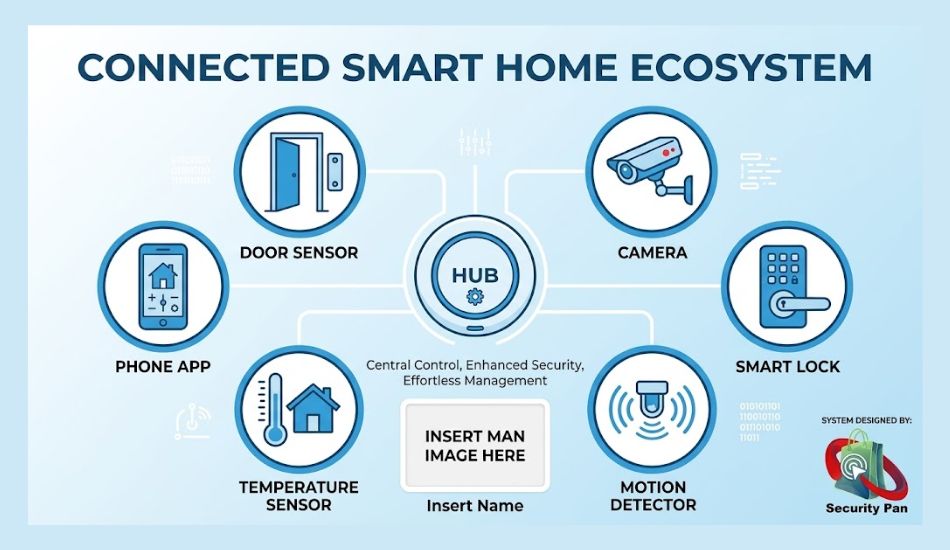
What Are Automated Home Security Systems?
Automated home security systems use connected devices to watch your home and respond to certain events. These devices may include security cameras, motion sensors, door sensors, smart locks, alarms, and a central hub.
You can manage many systems through a mobile app. Some can also run tasks on their own. For example, a system may turn on a light when a motion sensor detects movement or send you an alert when someone opens a door.
Most systems use a mix of local connections, Wi-Fi, cloud services, and mobile apps. The exact setup depends on the devices and the brand you choose.
An automated home security system is a set of connected devices that monitor your home and respond without constant effort on your part. Most systems include:
- A hub or base station that connects everything
- Door and window sensors that detect opening
- Motion detectors that spot movement inside
- Security cameras (indoor, outdoor, or doorbell) with recording and alerts
- Smart locks you control by app or code
- A siren and alarm for noise and alerts
- Smoke, CO, and water-leak sensors in many kits
- A mobile app for alerts, live video, and arm/disarm
“Automated” means the system acts on rules. For example, it can turn on lights when a door opens at night, lock doors at 10 p.m., or send you a clip when a camera sees a person, not a passing car.
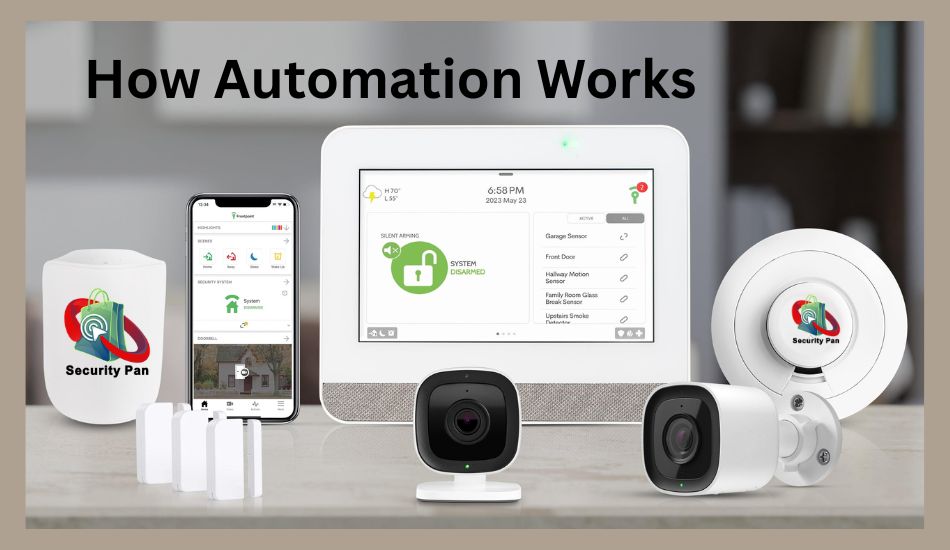
How Do They Work?
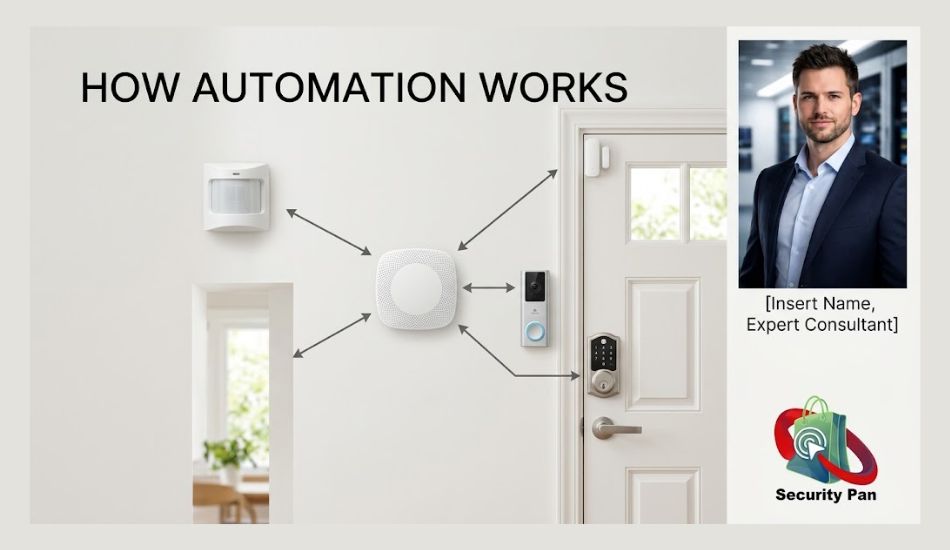
- A sensor or camera detects an event, such as a door opening or movement.
- The hub receives the signal over Wi-Fi, Zigbee, Z-Wave, Thread, or cellular.
- The system checks its rules, such as armed or disarmed, home or away.
- It responds with a siren, a phone alert, lights, or a call to a monitoring center.
- Video and logs are saved to the cloud or to local storage.
Newer devices that support Matter, the smart home standard, can work across brands and often keep more control inside your home instead of the cloud.
Do Automated Home Security Systems Really Work?
Yes, for deterrence and fast alerts. Here is what research says.
A well-known survey by researchers at the University of North Carolina at Charlotte interviewed 422 convicted burglars. About 83% said they would try to find out if an alarm was present first. About 60% said an alarm would make them pick another target. Roughly half would stop a break-in if they discovered an alarm mid-attempt.
Two honest limits, so you’re not overselling it:
- The study was funded by an alarm-industry group and published around 2013.
- About 1 in 5 burglars said they cut phone or alarm wires in advance. Determined people can beat weak setups.
Bottom line: Visible security raises the effort and risk for a burglar. It doesn’t make a home impossible to enter.
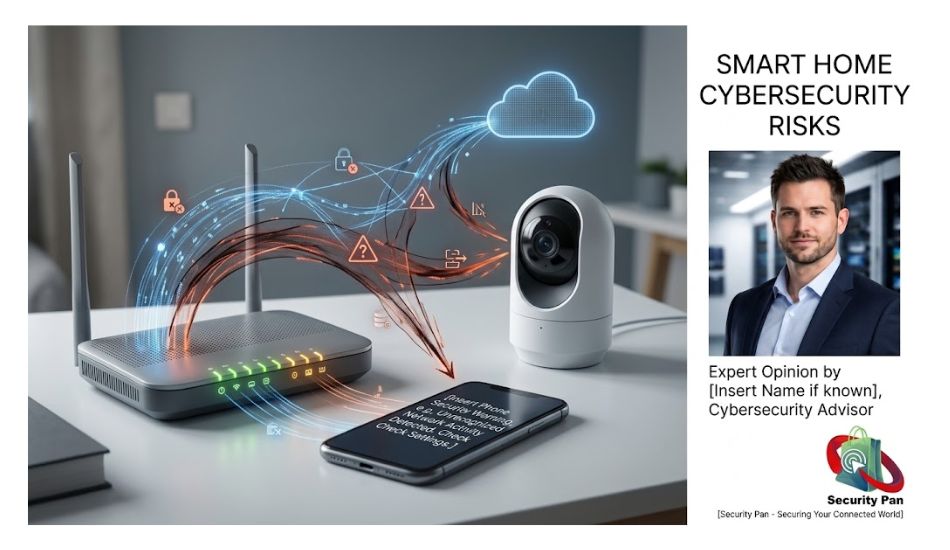
The Real Risks and How Systems Fail
1. Weak or reused passwords
Hackers often don’t “break” cameras. They log in using passwords leaked from other websites, a trick called credential stuffing. If you reuse a password, your camera account is only as safe as your weakest account.
2. Cloud account takeover
In 2023, the US Federal Trade Commission (FTC) reached a settlement with Ring over allegations that poor security and access controls let people view customers’ private videos. The lesson isn’t “avoid cloud cameras.” It’s to turn on two-factor authentication and know who can access your footage.
3. Outdated firmware
Makers fix security flaws through updates. Old devices that never update keep the old holes. Some products also reach end-of-life, meaning no more patches.
4. Wi-Fi outages and jamming
Wi-Fi-only systems can go blind if your internet drops or if someone uses a signal jammer. A cellular backup keeps alerts working.
5. Power failures
Hubs and cameras without a battery backup can go dark during an outage, exactly when you need them.
6. Privacy and data sharing
Cameras collect video, schedules, and sometimes voice. Check who stores the data, how long, and whether it’s shared with police or third parties.
7. False alarms
Cheap motion sensors can cause false alarms. In many US cities, repeated false alarms can bring fines or reduced police response. Look for systems with verified alarm or person detection.
DIY vs Professionally Monitored: Which Is Safer?
| Feature | DIY (self-monitored) | Professionally monitored |
| Upfront cost | Lower | Higher (equipment/install) |
| Monthly cost | $0 to about $20 for cloud video | Typically a monthly monitoring fee |
| Who responds | You get the alert | A 24/7 center calls you or dispatch |
| Setup | You install it (renter-friendly) | Technician or guided install |
| Cellular backup | Sometimes extra | Often included |
| Best for | Renters, small homes, tight budgets | Larger homes, travelers, peace of mind |
Prices vary by brand and region. Check current pricing before you buy.
Our take: A DIY system you set up carefully beats a monitored system with default settings. If you’re away often or can’t always check your phone, professional monitoring adds real value.
Also read: Best Home Security Cameras 2027: US Buyer’s Guide
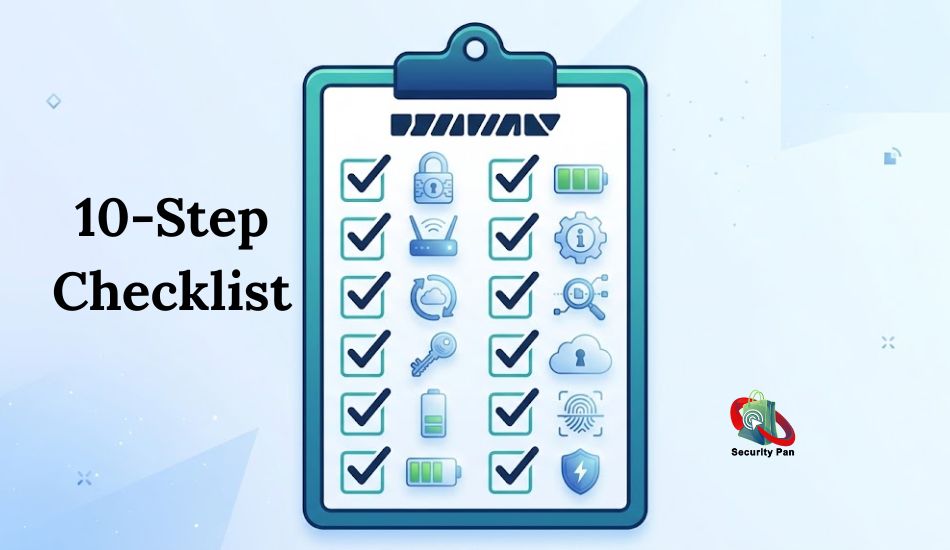
10-Step Checklist to Secure Your Automated Home Security System
- Change every default password. Use a unique password of 12+ characters. A password manager helps.
- Turn on two-factor authentication (2FA) for your camera and security app. Prefer an authenticator app over SMS. Learn how 2FA works.
- Use WPA3 on your router (or WPA2-AES if WPA3 isn’t available). Never use WEP or an open network.
- Put smart devices on a guest or IoT network. This keeps a hacked camera away from your laptop and phone.
- Update firmware and apps. Turn on auto-updates. Replace devices that no longer get security patches.
- Disable features you don’t use, such as remote access ports, UPnP, and extra sharing links.
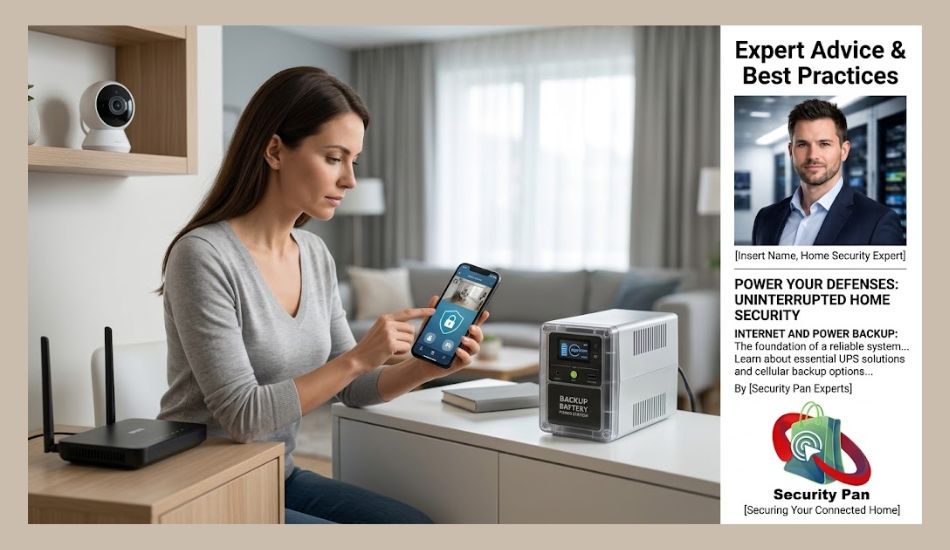
- Add backups. Use battery backup for the hub and router, and consider cellular backup.
- Review who has access. Remove old guests, ex-roommates, and unused app logins every few months.
- Reset second-hand devices. Do a factory reset before you use or sell any camera.
- Test monthly. Trigger a sensor, check alerts, and confirm your battery levels.
Next step: Is your Wi-Fi itself locked down? Read How to Stop Hackers From Accessing Your Home Wi-Fi.
A note on VPNs: A VPN protects traffic from your laptop or phone. It usually doesn’t protect cameras or smart locks, because most can’t run VPN software. A router-level setup, a strong password, and 2FA are far more useful for security devices.
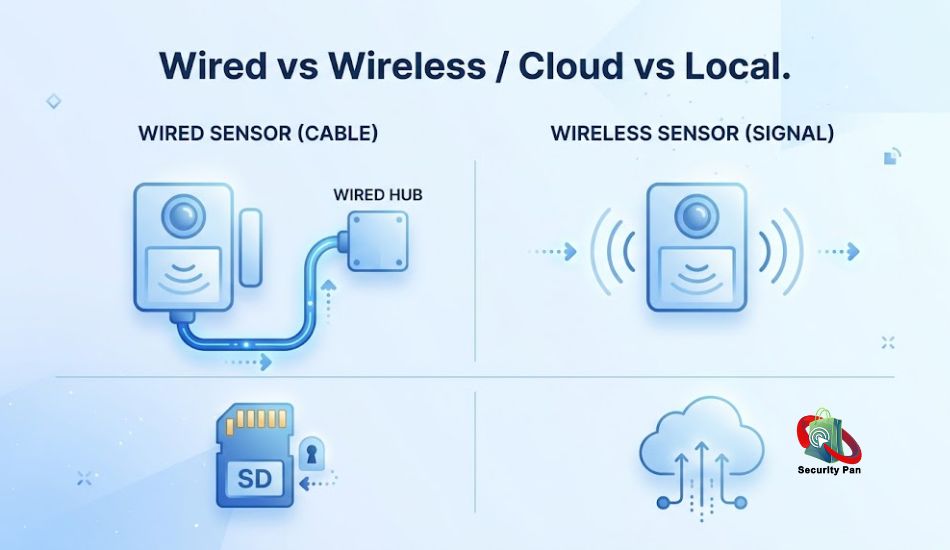
Wired vs Wireless: What Should You Choose?
- Wired (hardwired) sensors and cameras can’t be jammed over the air and don’t need batteries. They cost more to install.
- Wireless systems are easier to install and fine for most homes, but you must manage batteries and signal strength.
- Hybrid setups are common: wired door sensors, wireless cameras.
Neither is automatically “more secure.” A wired system with a weak password is still weak.
Cloud vs Local Storage
- Cloud storage keeps video safe if a thief steals the camera. It usually needs a subscription, and you rely on the company’s security.
- Local storage (SD card or home hub) can avoid fees and keep video at home. But a thief can take the device and the footage together.
- Best practice: Use both for key cameras, such as your front door.
US-Specific Things to Know
- FCC Cyber Trust Mark: The FCC has set up a voluntary labeling program for secure smart devices, including home security cameras. Check the FCC’s page for current participating products before relying on the label.
- Insurance discounts: Many insurers discount policies for monitored alarms or smart protection. Amounts vary by company and state, so ask your agent.
- Camera laws: Don’t record audio in private spaces or point cameras into a neighbor’s windows. Laws vary by state, and local rules or HOA policies may also apply.
- Renters: Choose no-drill devices and get your landlord’s OK for anything installed permanently.
- Police alarm permits: Some cities require alarm registration and fine false alarms.
How to Choose a Secure System Quick Buyer’s Guide
Ask these before you buy:
- Does it support 2FA and automatic updates?
- How many years of security updates does the maker promise?
- Does it have battery and cellular backup?
- Can I choose local or cloud storage?
- Is there a clear privacy policy that says how long video is kept and who can see it?
- Does it work with Matter or other standards if I add devices later?
- Is there a security contact or disclosure policy for researchers?
If a brand can’t answer these simply, keep looking.
Pros and Cons at a Glance
| Pros | Cons |
| Deters many burglars and gives instant alerts | Hackable if set up poorly |
| Remote viewing and control | Needs internet, power, and updates |
| Smoke, CO, and water protection in one app | Subscription fees can add up |
| Possible insurance savings | Privacy trade-offs with cloud video |
| Easy automation, such as lights and locks | False alarms can lead to fines |
Final Verdict: Automated home security systems protecting a modern US home Is Your Really Secure?
Automated home security systems can make your home safer. They deter break-ins, send fast alerts, and give you control from anywhere. But the system is only as strong as its passwords, updates, network setup, and backups.
Start with three actions today: change your passwords, turn on 2FA, and move your devices to a separate network. Those three steps stop most real-world attacks.
Related: Smart Lock Battery Life Fix: 7 Proven Solutions
FAQs About Automated Home Security Systems
1. Can automated home security systems be hacked?
Yes, but most attacks use stolen passwords or unpatched devices, not advanced tricks. Use unique passwords, 2FA, auto-updates, and a separate network for smart devices to reduce the risk a lot.
2. Do automated home security systems work without Wi-Fi or power?
Only some. Systems with a battery backup and cellular connection keep working during outages. Wi-Fi-only systems may lose alerts and video until service returns.
3. Is DIY or professional monitoring better?
DIY costs less and suits renters. Professional monitoring costs more but adds 24/7 response. Choose based on how often you’re away and how quickly you can act on alerts.
4. How much do automated home security systems cost?
Costs range from a low-priced starter kit to several hundred dollars for a larger system, plus optional monthly fees for monitoring or cloud video. Always check current pricing and contract terms.
5. Do home security systems lower insurance costs?
Often, yes. Many insurers offer discounts for monitored alarms and smart protection. Ask your agent what proof they need, such as a monitoring certificate.
6. Are wired systems more secure than wireless?
Wired systems avoid jamming and battery problems. But security still depends on passwords, updates, and network setup, so neither type is automatically safer.
7. Should I use cloud or local storage for camera video?
Cloud protects footage if the camera is stolen. Local storage avoids fees and keeps video at home. Many people use both for important cameras.
Suggested Sources to Link;
- UNC Charlotte / AIREF burglar study: “Understanding Decisions to Burglarize from the Offender’s Perspective”
- FTC consumer guidance and the Ring case press release: ftc.gov
- FCC U.S. Cyber Trust Mark program page: fcc.gov
- CISA home network and IoT security tips: cisa.gov
- NIST consumer IoT guidance: nist.gov

